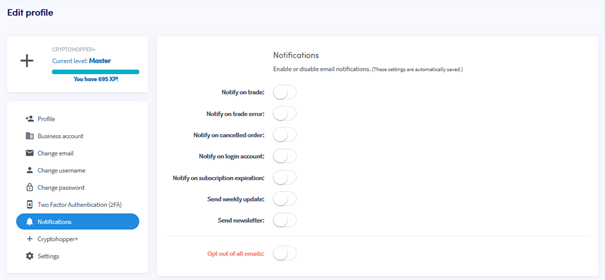
Como configurar notificações por e-mail
Este guia mostra como configurar notificações por e-mail na sua conta Cryptohopper.
Pré-requisitos
- Uma conta Cryptohopper.
Etapas
- Faça login na sua conta Cryptohopper.
- Clique no botão de perfil no canto superior direito.
- Clique em "Minha conta".
- Clique em "Perfil do Usuário".
- Clique em "Notificações".
- Ative os botões das notificações que você deseja receber.