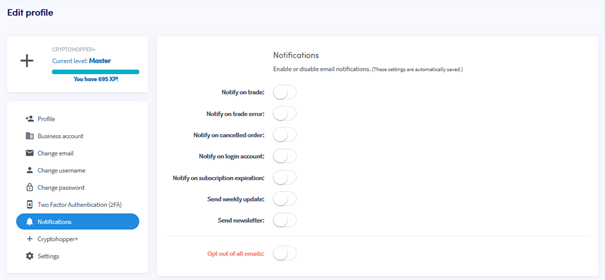
Jak skonfigurować powiadomienia e-mail
Ten przewodnik pokazuje, jak skonfigurować powiadomienia e-mail na twoim koncie Cryptohopper.
Wymagania wstępne
Kroki
- Zaloguj się na swoje konto Cryptohopper.
- Kliknij przycisk profilu w prawym górnym rogu.
- Kliknij "Moje konto".
- Kliknij "Profil użytkownika".
- Kliknij "Powiadomienia".
- Przełącz przyciski dla powiadomień, które chcesz otrzymywać.