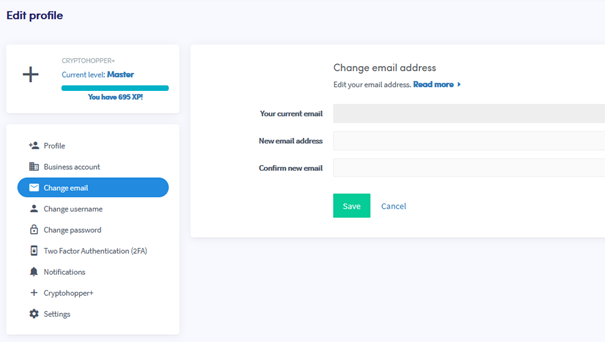
Como alterar seu endereço de e-mail
Este guia mostra como alterar o endereço de e-mail da sua conta Cryptohopper.
Pré-requisitos
- Uma conta Cryptohopper.
Etapas
- Faça login na sua conta Cryptohopper.
- Clique no ícone de perfil no canto superior direito.
- Clique em "Minha conta".
- Clique em "Perfil do Usuário".
- Clique em "Alterar e-mail".
- Preencha todos os campos obrigatórios.
- Clique em "Salvar".
- Confirme a alteração de e-mail clicando nos links de confirmação enviados para os seus endereços de e-mail antigo e novo.