Como desativar sua conta
Este guia mostra como desativar sua conta da Cryptohopper.
Pré-requisitos
- Uma conta da Cryptohopper.
- 2FA ativado em sua conta. Veja como configurar o 2FA.
Etapas
- Faça login na sua conta da Cryptohopper.
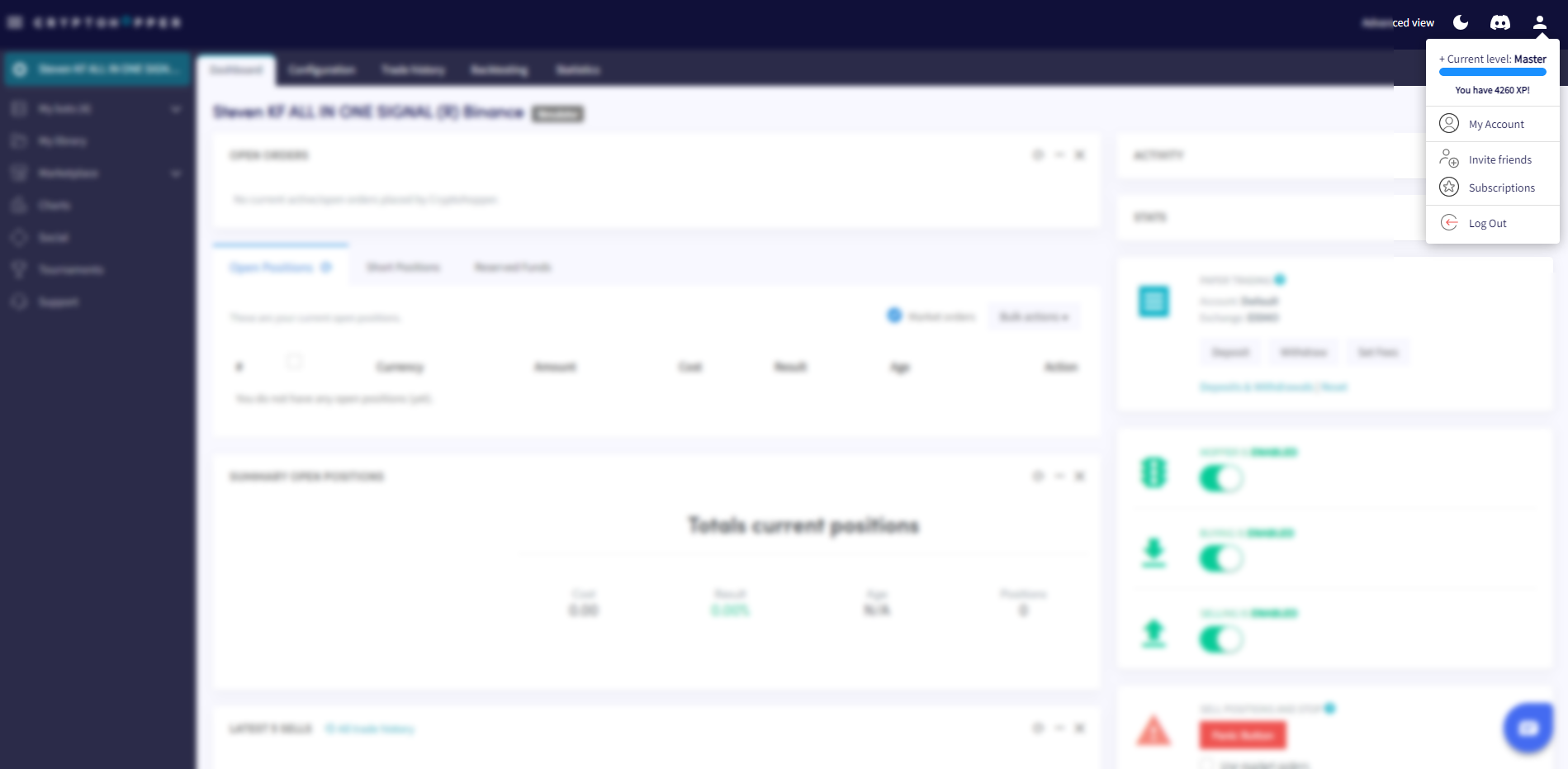
- Clique no botão de perfil no canto superior direito.
- Clique em "Minha conta".
- Clique em "Perfil do usuário".
- Clique em "Configurações".
- Clique em "Desativar conta".
- Clique em "Desativar".
Informações importantes
Quando você desativa sua conta, todos os benefícios do Programa de Fidelidade da Cryptohopper e suas configurações de bot serão removidos — incluindo seu saldo da Cryptohopper, estratégias criadas e muito mais. Seus dados são mantidos por 30 dias. Se você não fizer login dentro desse período, sua conta será permanentemente excluída.