How to set up email notifications
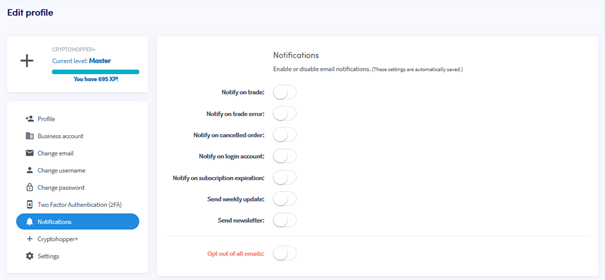
This guide shows you how to set up email notifications on your Cryptohopper account.
Prerequisites
Steps
- Log in to your Cryptohopper account.
- Click the profile button in the top-right corner.
- Click "My account".
- Click "User Profile".
- Click "Notifications".
- Switch the toggles for the notifications you want to receive.