Como mudar sua conta pessoal para uma conta empresarial
Este guia mostra como mudar sua conta Cryptohopper de pessoal para empresarial.
Pré-requisitos
- Uma conta Cryptohopper.
Etapas
- Faça login na sua conta Cryptohopper.
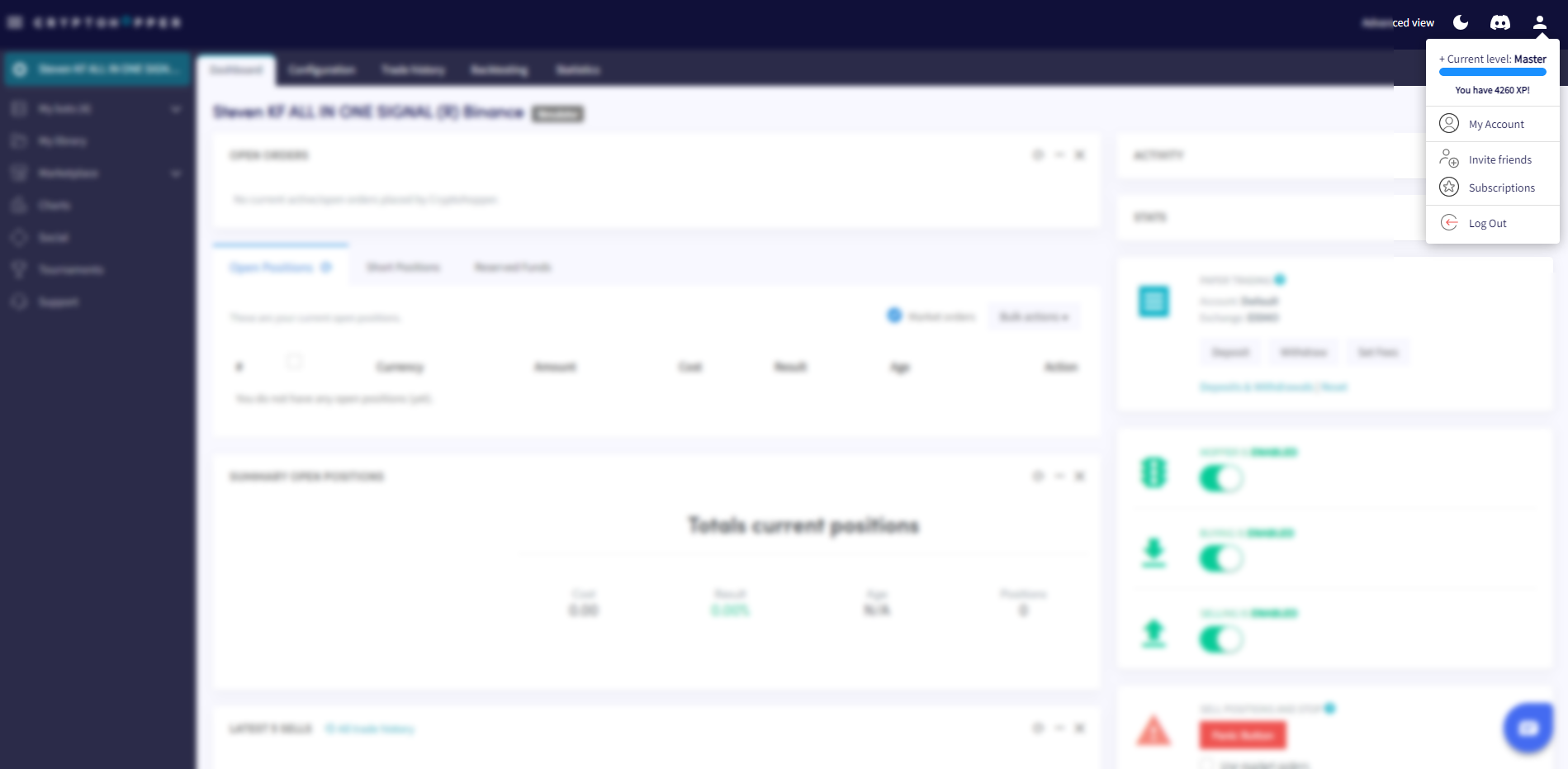
- Clique no botão de perfil no canto superior direito.
- Clique em "Minha conta".
- Clique em "Perfil de Usuário".
- Clique em "Conta empresarial".
- Selecione a opção "Empresa".
- Preencha o nome da sua empresa.
- Preencha seu número de IVA da UE. Certifique-se de que está inserido corretamente — ele é verificado pelas Autoridades Fiscais Holandesas.