Jak dezaktywować swoje konto
Ten przewodnik pokazuje, jak dezaktywować swoje konto Cryptohopper.
Wymagania wstępne
- Konto Cryptohopper.
- Włączone 2FA na twoim koncie. Zobacz jak skonfigurować 2FA.
Kroki
- Zaloguj się do swojego konta Cryptohopper.
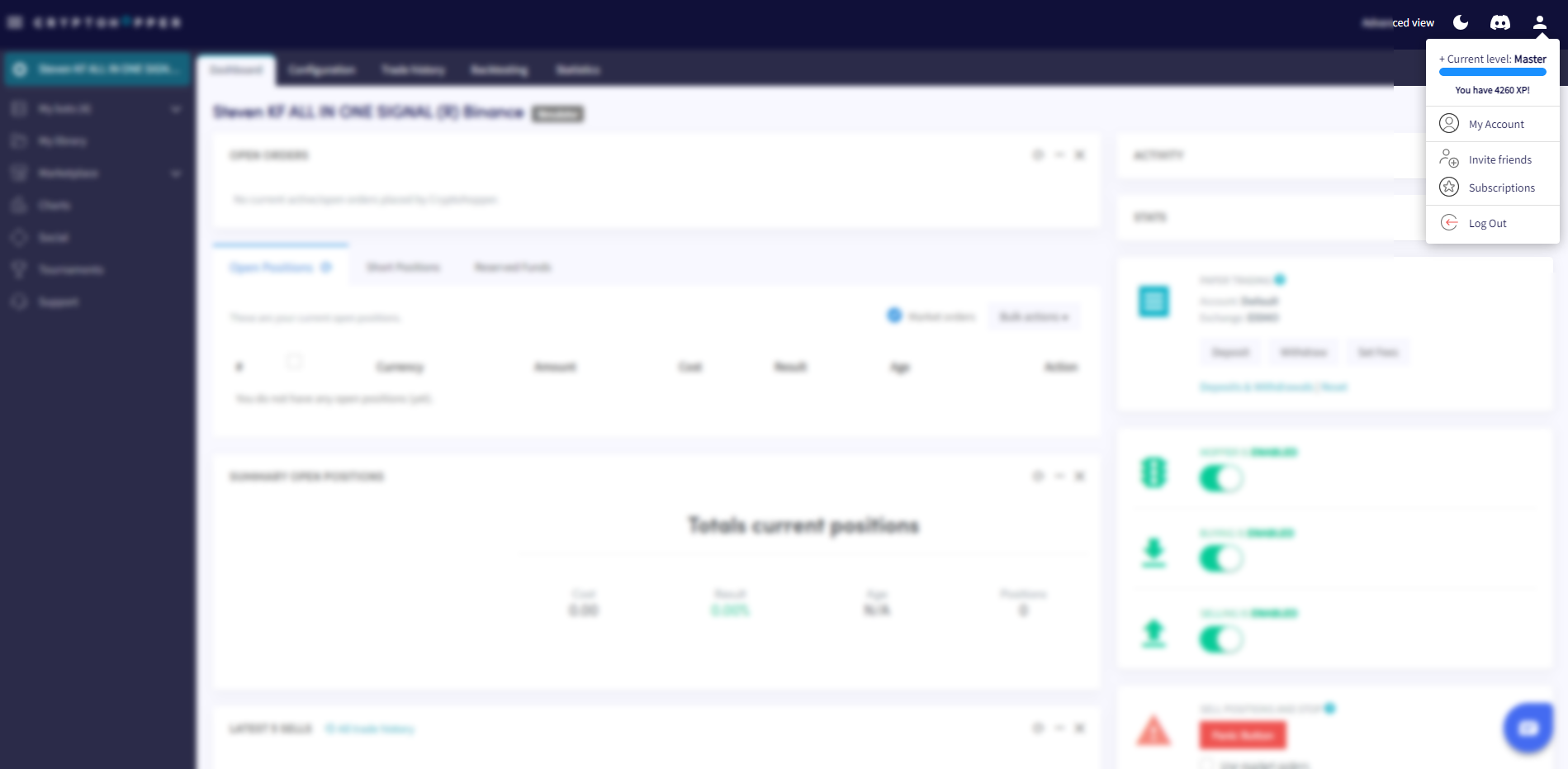
- Kliknij przycisk profilu w prawym górnym rogu.
- Kliknij "Moje konto".
- Kliknij "Profil użytkownika".
- Kliknij "Ustawienia".
- Kliknij "Dezaktywuj konto".
- Kliknij "Dezaktywuj".
Ważne informacje
Kiedy dezaktywujesz swoje konto, wszystkie korzyści z Programu Lojalnościowego Cryptohopper oraz ustawienia twojego bota zostaną usunięte — w tym twoje saldo Cryptohopper, utworzone strategie i więcej. Twoje dane są przechowywane przez 30 dni. Jeśli nie zalogujesz się w tym okresie, twoje konto zostanie trwale usunięte.