How to deactivate your account
This guide shows you how to deactivate your Cryptohopper account.
Prerequisites
- A Cryptohopper account.
- 2FA enabled on your account. See how to set up 2FA.
Steps
- Log in to your Cryptohopper account.
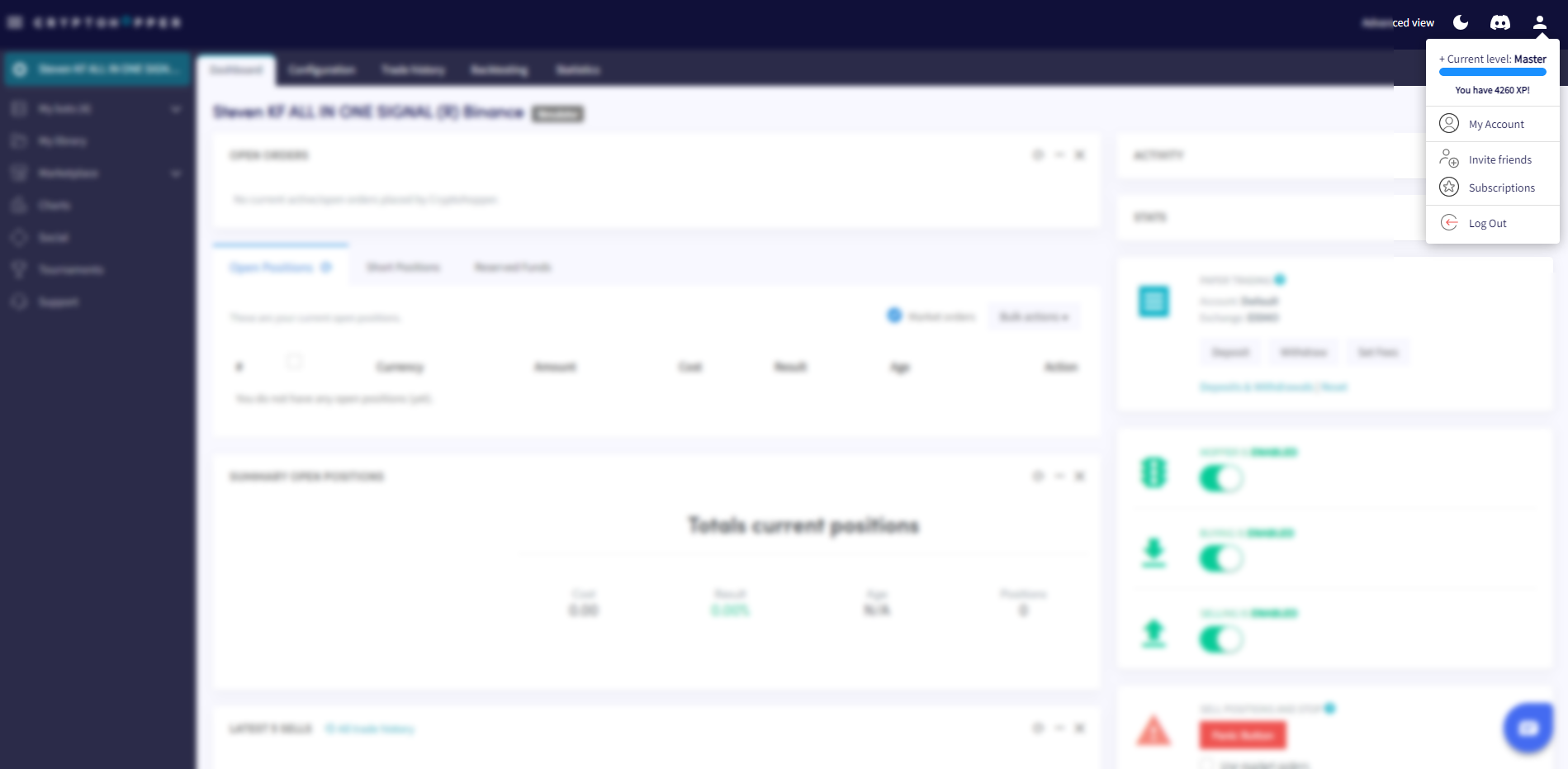
- Click the profile button in the top-right corner.
- Click "My account".
- Click "User Profile".
- Click "Settings".
- Click "Deactivate account".
- Click "Deactivate".
Important information
When you deactivate your account, all benefits from Cryptohopper's Loyalty Program and your bot settings will be removed — including your Cryptohopper balance, created Strategies, and more. Your data is retained for 30 days. If you do not log in within that period, your account is permanently deleted.