Como baixar o Histórico de Operações
Este guia mostra como exportar seu Histórico de Operações no formato de sua preferência.
Pré-requisitos
- Uma conta Cryptohopper.
- Uma assinatura Explorer, Adventurer ou Hero.
- Pelo menos algumas operações concluídas com o seu Bot de trading.
Etapas
- No menu superior esquerdo, clique em "Meus bots".
- Clique em "Ver todos".
- Clique no bot cujo Histórico de Operações você deseja baixar.
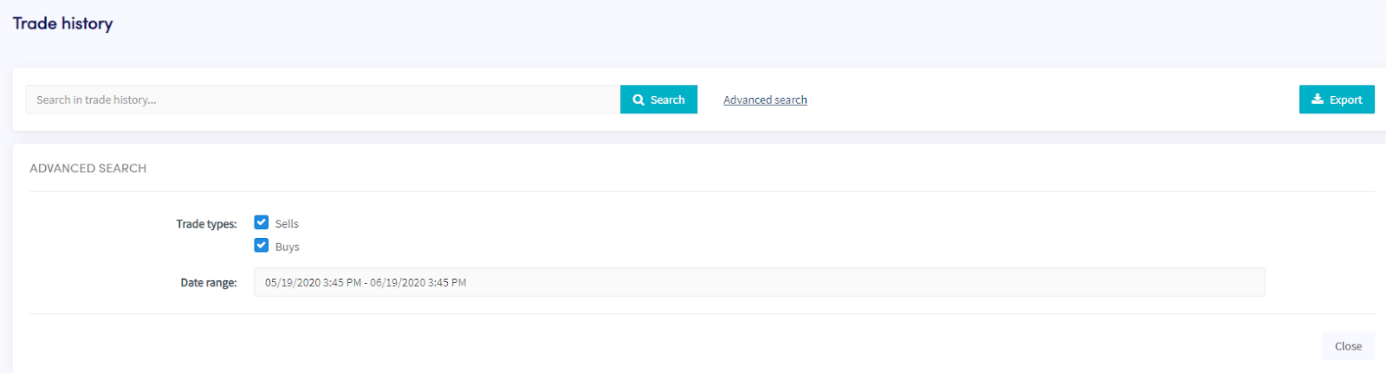
- Clique em "Histórico de operações".
- Clique em "Exportar".
- Selecione o tipo de arquivo que você deseja exportar (Excel, CSV ou PDF).
- Selecione os "Tipos de operação" que você deseja incluir na exportação.
- Selecione o "Intervalo de datas" que você deseja exportar.
- Clique em "Exportar".
- Revise as operações que seu bot realizou.