Wie du die Trade-Historie herunterlädst
Diese Anleitung zeigt dir, wie du deine Trade-Historie in deinem bevorzugten Format exportierst.
Voraussetzungen
- Ein Cryptohopper-Konto.
- Ein Explorer-, Adventurer- oder Hero-Abonnement.
- Mindestens ein paar abgeschlossene Trades mit deinem Trading-Bot.
Schritte
- Klicke im Menü oben links auf "Meine Bots".
- Klicke auf "Alle anzeigen".
- Klicke auf den Bot, dessen Trade-Historie du herunterladen möchtest.
- Klicke auf "Trade-Historie".
- Klicke auf "Exportieren".
- Wähle den Dateityp aus, den du exportieren möchtest (Excel, CSV oder PDF).
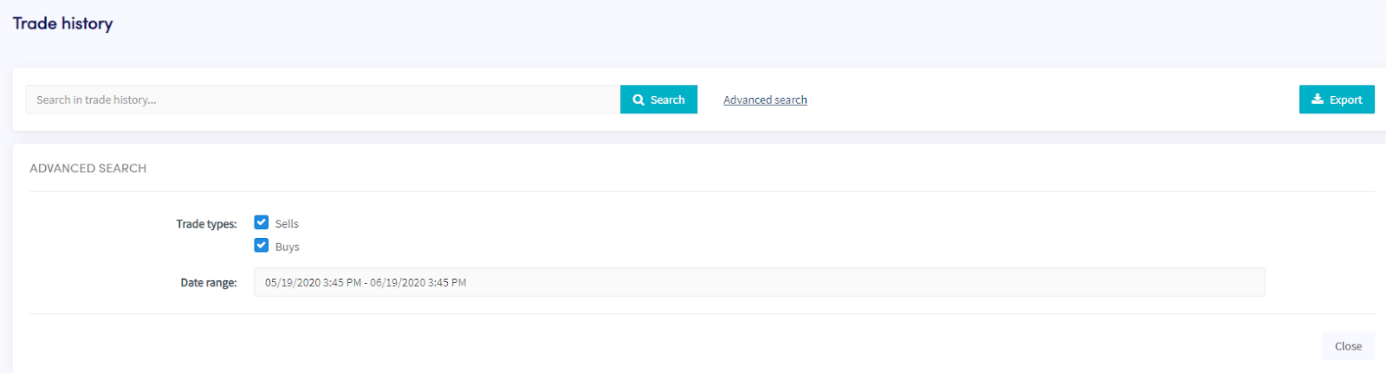
- Wähle die "Trade-Typen" aus, die du in den Export einbeziehen möchtest.
- Wähle den "Datumsbereich" aus, den du exportieren möchtest.
- Klicke auf "Exportieren".
- Überprüfe die Trades, die dein Bot durchgeführt hat.