O que são as configurações Gerais na Configuração Base
O que são as configurações Gerais na Configuração Base?
Uma explicação de cada configuração Geral na sua Configuração Base — Configurações básicas, Corretora e Notificações.
Veja também: Configurações de compra na Configuração Base · Configurações de venda na Configuração Base
Configurações básicas
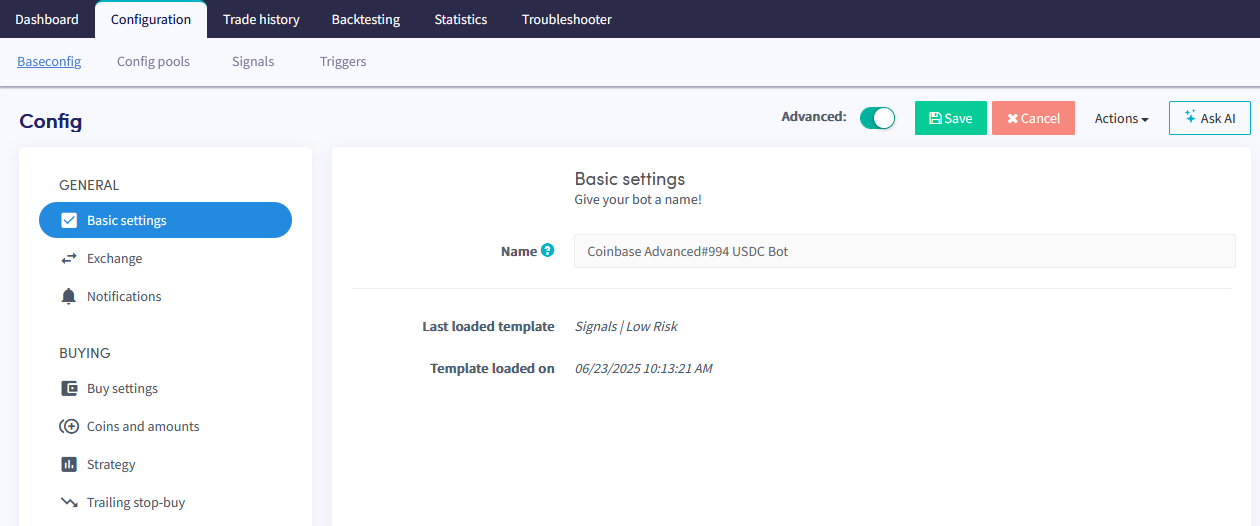
Nome Dê um nome ao seu bot.
Paper trading Ative o botão de Paper Trading para negociar com fundos simulados. Para negociar com fundos reais, preencha suas chaves de API. Para mais informações sobre como conectar sua corretora, consulte o guia de conexão com corretoras.
Usar taxa do ticker Determina em qual nível de preço o Bot de Trading coloca pedidos. Escolha entre três opções:
- Maior oferta de compra/Menor oferta de venda — o bot usa a maior taxa de oferta de compra para vendas e a menor taxa de oferta de venda para compras.
- Usar última variação mínima se maior/menor — o preço de compra ou venda será o valor da última variação mínima quando for mais favorável.
- Sempre usar última variação mínima — o bot sempre usa o preço da última variação mínima, independentemente das flutuações de preço.
Notificações
Notificação em operações Ative o botão para receber uma notificação sempre que seu bot realizar uma operação.
Notificação em erro de operação Ative o botão para receber uma notificação quando ocorrer um erro de operação.
Notificar sobre pedido cancelado Ative o botão para receber uma notificação quando um pedido for cancelado.
Atualização semanal Ative o botão para receber um resumo semanal da atividade do seu bot.