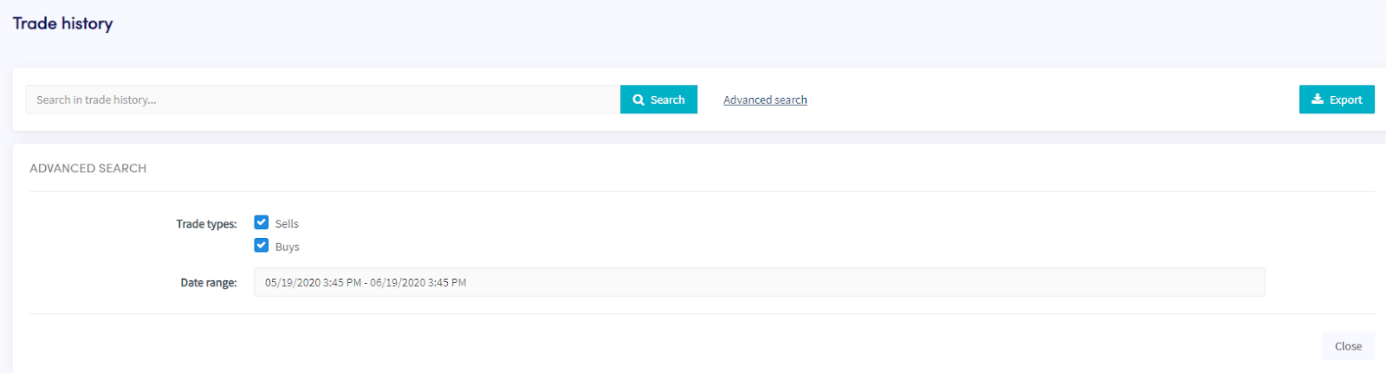
Comment télécharger l'historique des transactions
Ce guide te montre comment exporter ton historique des transactions dans le format de ton choix.
Conditions
- Un compte Cryptohopper.
- Un abonnement Explorer, Adventurer ou Hero.
- Au moins quelques transactions terminées avec ton trading bot.
Étapes
- Dans le menu en haut à gauche, clique sur "Mes bots".
- Clique sur "Voir tout".
- Clique sur le bot dont tu veux télécharger l'historique des transactions.
- Clique sur "Historique des transactions".
- Clique sur "Exporter".
- Sélectionne le type de fichier que tu veux exporter (Excel, CSV ou PDF).
- Sélectionne les "Types de transaction" que tu veux inclure dans l'exportation.
- Sélectionne la "Plage de dates" que tu veux exporter.
- Clique sur "Exporter".
- Consulte les transactions effectuées par ton bot.