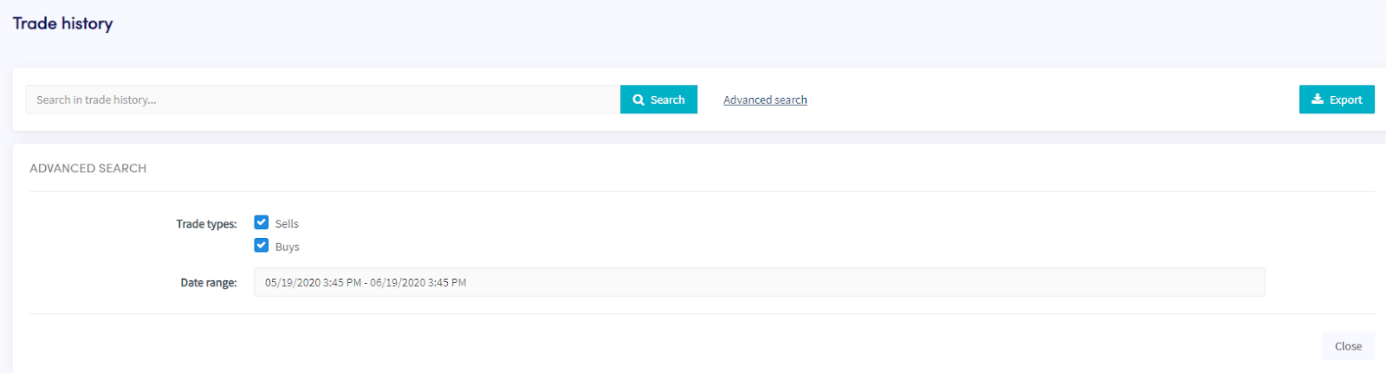
How to download the Trade History
This guide shows you how to export your Trade History in your preferred format.
Prerequisites
- A Cryptohopper account.
- An Explorer, Adventurer, or Hero subscription.
- At least a few completed trades with your Trading Bot.
Steps
- In the top-left menu, click "My bots".
- Click "View all".
- Click on the bot whose Trade History you want to download.
- Click "Trade history".
- Click "Export".
- Select the file type you want to export (Excel, CSV, or PDF).
- Select the "Trade types" you want to include in the export.
- Select the "Date range" you want to export.
- Click "Export".
- Review the trades your bot made.