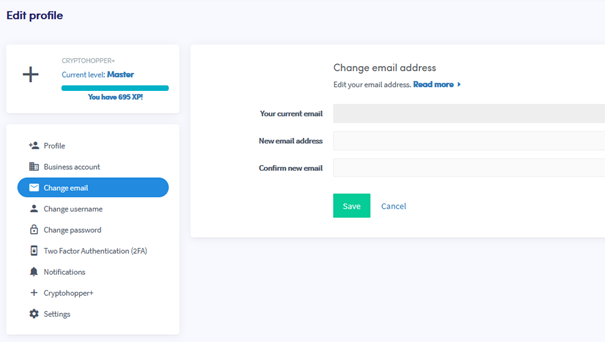
Jak zmienić swój adres e-mail
Ten przewodnik pokazuje, jak zmienić adres e-mail w swoim koncie Cryptohopper.
Wymagania wstępne
Kroki
- Zaloguj się do swojego konta Cryptohopper.
- Kliknij ikonę profilu w prawym górnym rogu.
- Kliknij "Moje konto".
- Kliknij "Profil użytkownika".
- Kliknij "Zmień e-mail".
- Wypełnij wszystkie wymagane pola.
- Kliknij "Zapisz".
- Potwierdź zmianę adresu e-mail, klikając linki potwierdzające wysłane zarówno na twój stary, jak i nowy adres e-mail.