Jak zmienić konto osobiste na konto biznesowe
Ten przewodnik pokazuje, jak zmienić swoje konto Cryptohopper z osobistego na biznesowe.
Wymagania wstępne
Kroki
- Zaloguj się do swojego konta Cryptohopper.
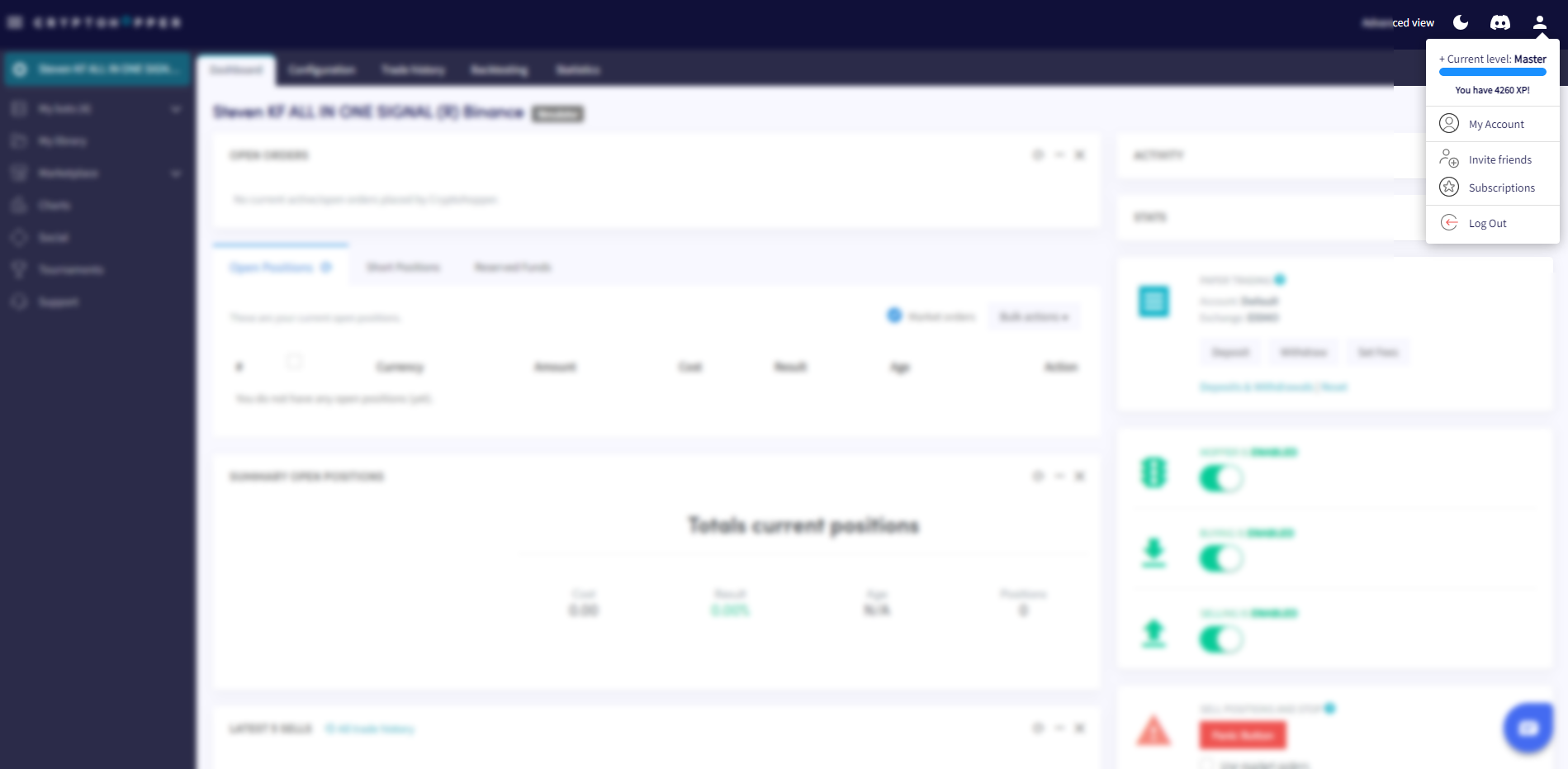
- Kliknij przycisk profilu w prawym górnym rogu.
- Kliknij "Moje konto".
- Kliknij "Profil użytkownika".
- Kliknij "Konto biznesowe".
- Wybierz opcję "Biznes".
- Wpisz nazwę swojej firmy.
- Wpisz swój numer VAT UE. Upewnij się, że jest wprowadzony poprawnie — jest weryfikowany przez holenderskie organy podatkowe.