How to set up a Wallet Scrubber
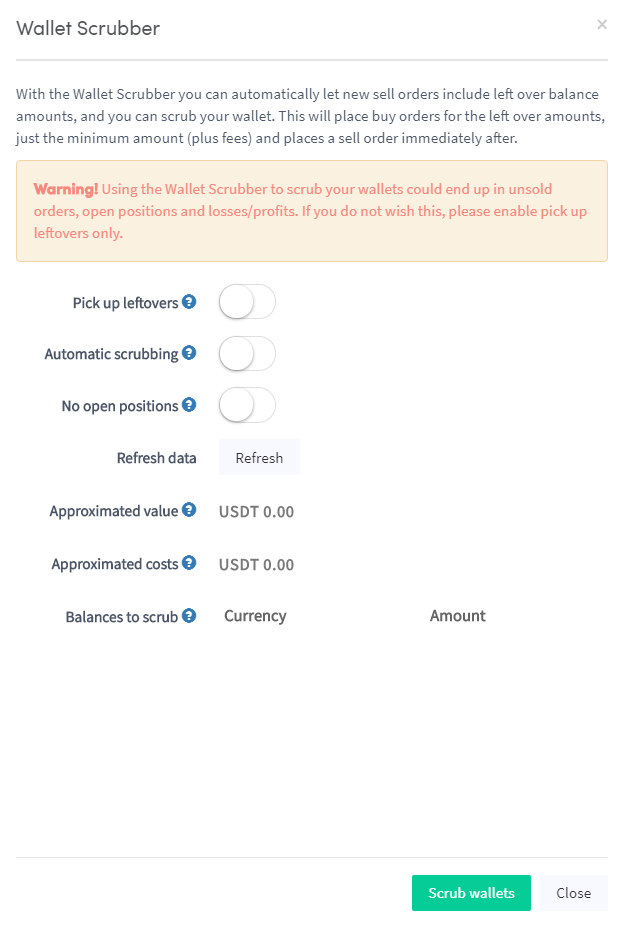
This guide shows you how to set up and use the Wallet Scrubber.
Prerequisites
Option 1 — Via the Marketplace
- Log in to your Cryptohopper account.
- Click "Marketplace".
- Click "Apps".
- Click "Wallet Scrubber".
- Configure the Wallet Scrubber settings.
- Click "Scrub Wallet".
Option 2 — Via the Dashboard
- Go to your Cryptohopper Dashboard.
- Scroll down to the "Current Assets" section.
- Click "Wallet Scrubber".
- Fill in all the required fields.
- Click "Scrub Wallet".