Hoe stel je een Wallet Scrubber in
Deze handleiding laat je zien hoe je de Wallet Scrubber instelt en gebruikt.
Vereisten
- Een Cryptohopper-account.
Optie 1 — Via de Marktplaats
- Log in op je Cryptohopper-account.
- Klik op "Marktplaats".
- Klik op "Apps".
- Klik op "Wallet Scrubber".
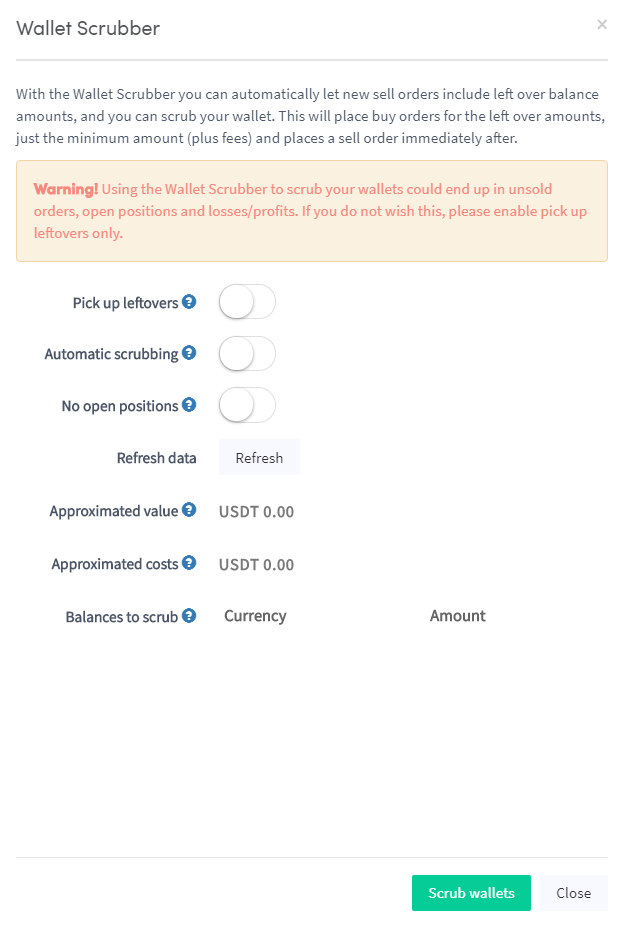
- Configureer de instellingen van de Wallet Scrubber.
- Klik op "Scrub Wallet".
Optie 2 — Via het Dashboard
- Ga naar je Cryptohopper Dashboard.
- Scroll naar beneden naar het gedeelte "Huidige Bezittingen".
- Klik op "Wallet Scrubber".
- Vul alle vereiste velden in.
- Klik op "Scrub Wallet".