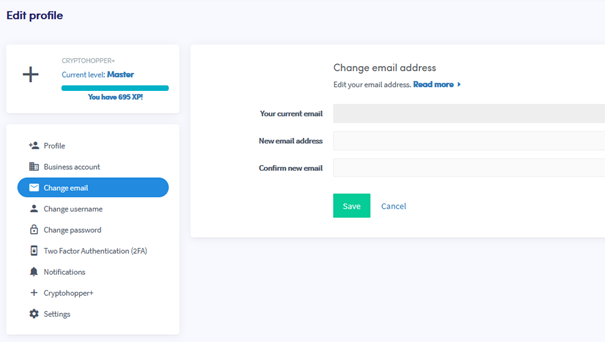
Come modificare il tuo indirizzo email
Questa guida ti mostra come modificare l'indirizzo email del tuo account Cryptohopper.
Prerequisiti
Passaggi
- Accedi al tuo account Cryptohopper.
- Clicca sull'icona del profilo nell'angolo in alto a destra.
- Clicca su "Il mio account".
- Clicca su "Profilo utente".
- Clicca su "Cambia email".
- Compila tutti i campi richiesti.
- Clicca su "Salva".
- Conferma la modifica dell'email cliccando sui link di conferma inviati sia al tuo vecchio che al nuovo indirizzo email.