Comment changer ton adresse e-mail
Ce guide t'explique comment changer l'adresse e-mail de ton compte Cryptohopper.
Conditions
Étapes
- Connecte-toi à ton compte Cryptohopper.
- Clique sur l'icône de profil dans le coin supérieur droit.
- Clique sur "Mon compte".
- Clique sur "Profil utilisateur".
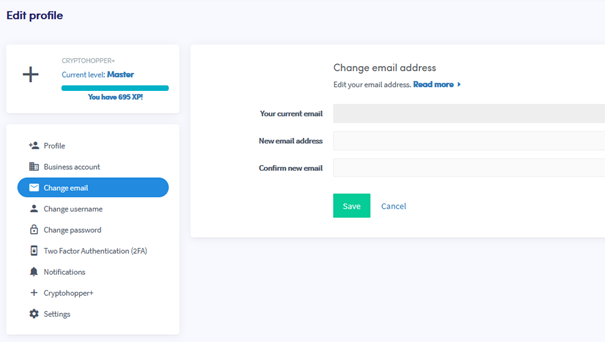
- Clique sur "Changer l'e-mail".
- Remplis tous les champs requis.
- Clique sur "Enregistrer".
- Confirme le changement d'e-mail en cliquant sur les liens de confirmation envoyés à ton ancienne et à ta nouvelle adresse e-mail.