How to change your personal account to a business account
This guide shows you how to change your Cryptohopper account from personal to business.
Prerequisites
Steps
- Log in to your Cryptohopper account.
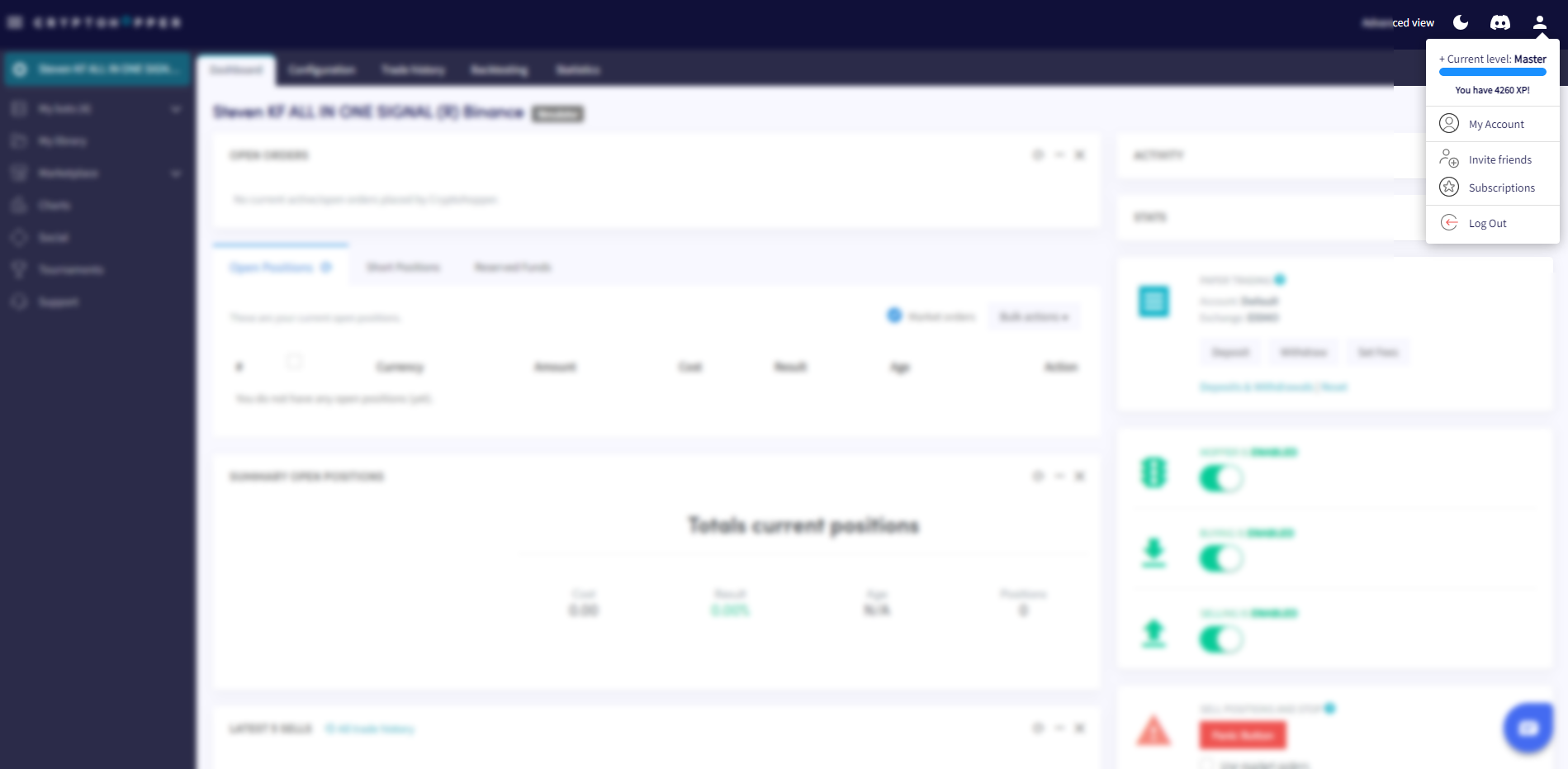
- Click the profile button in the top-right corner.
- Click "My account".
- Click "User Profile".
- Click "Business account".
- Select the "Business" option.
- Fill in your company name.
- Fill in your EU VAT number. Make sure this is entered correctly — it is verified by the Dutch Tax Authorities.