Comment modifier ton compte personnel en compte d'entreprise
Ce guide te montre comment modifier ton compte Cryptohopper de personnel à entreprise.
Conditions
Étapes
- Connecte-toi à ton compte Cryptohopper.
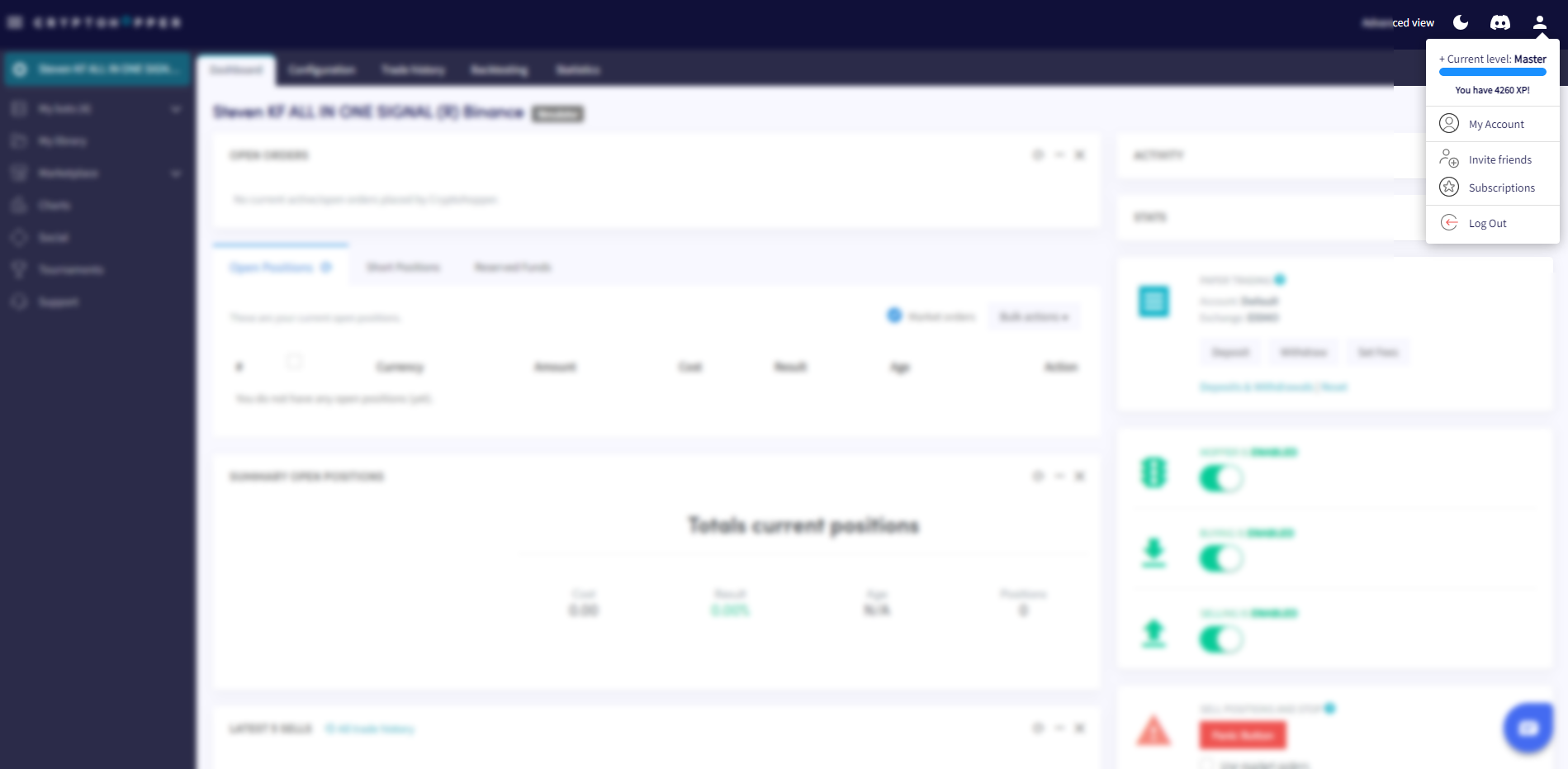
- Clique sur le bouton de profil dans le coin supérieur droit.
- Clique sur « Mon compte ».
- Clique sur « Profil utilisateur ».
- Clique sur « Compte d'entreprise ».
- Sélectionne l'option « Entreprise ».
- Remplis le nom de ton entreprise.
- Remplis ton numéro de TVA UE. Assure-toi qu'il est saisi correctement — il est vérifié par les autorités fiscales néerlandaises.