Hoe je jouw persoonlijke account omzet naar een bedrijfsaccount
Deze handleiding laat je zien hoe je jouw Cryptohopper-account van persoonlijk naar zakelijk wijzigt.
Vereisten
- Een Cryptohopper-account.
Stappen
- Log in op jouw Cryptohopper-account.
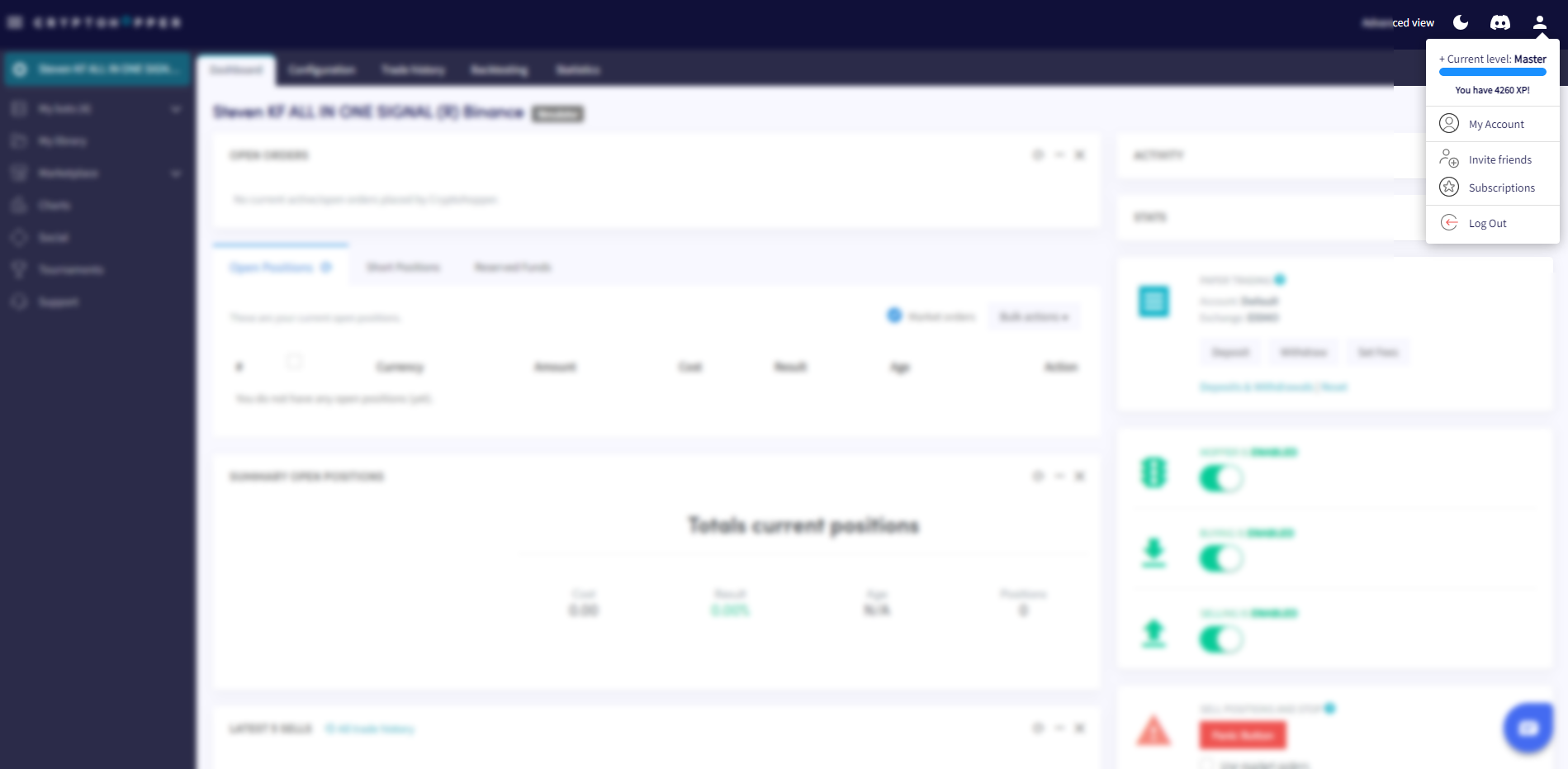
- Klik op de profielknop in de rechterbovenhoek.
- Klik op "Mijn account".
- Klik op "Gebruikersprofiel".
- Klik op "Bedrijfsaccount".
- Selecteer de optie "Zakelijk".
- Vul jouw bedrijfsnaam in.
- Vul jouw EU BTW-nummer in. Zorg ervoor dat dit correct is ingevoerd — het wordt geverifieerd door de Belastingdienst.