Come cambiare il tuo account personale in un account aziendale
Questa guida ti mostra come cambiare il tuo account Cryptohopper da personale ad aziendale.
Prerequisiti
Passaggi
- Accedi al tuo account Cryptohopper.
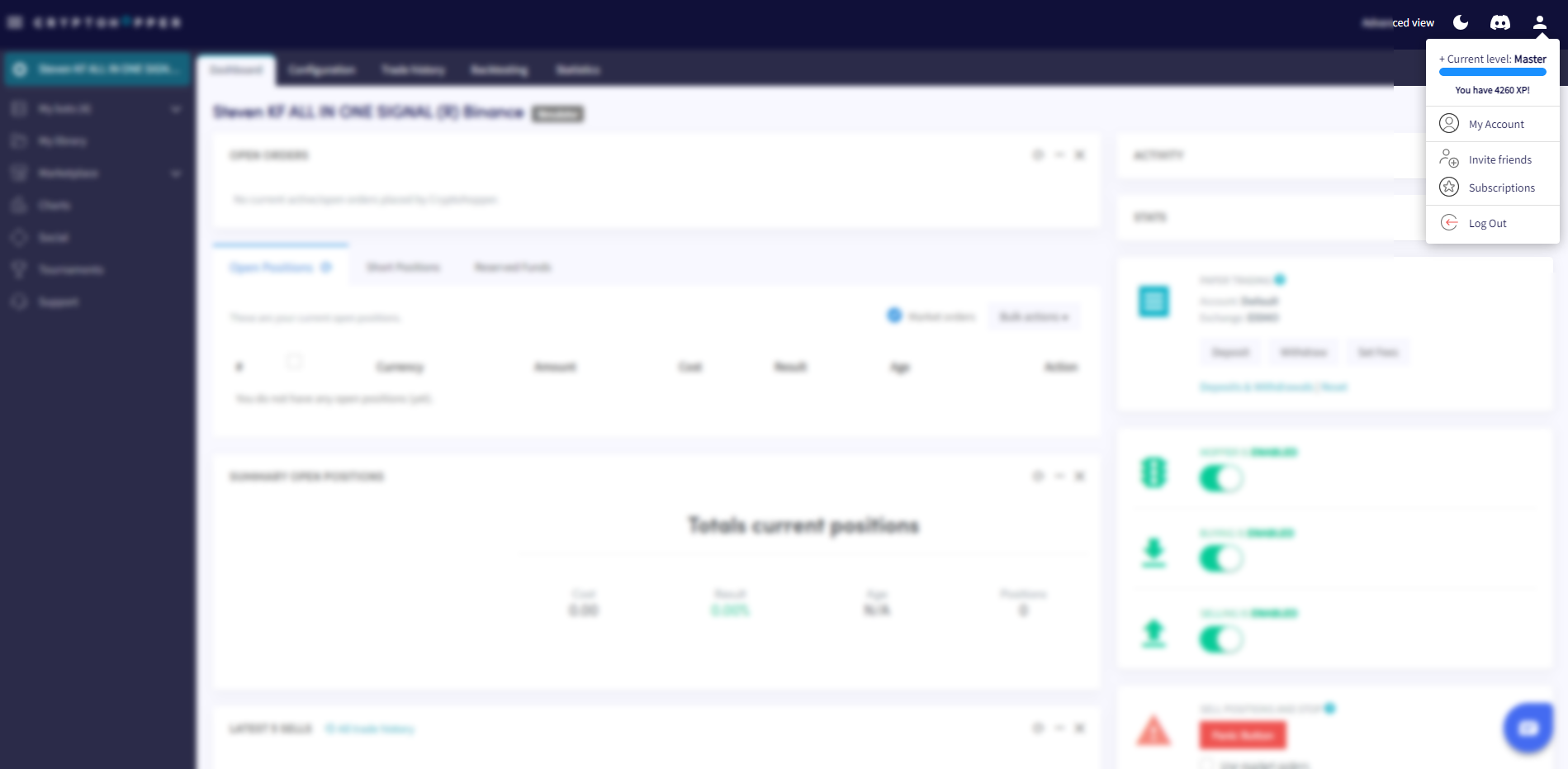
- Clicca sul pulsante del profilo nell'angolo in alto a destra.
- Clicca su "Il mio account".
- Clicca su "Profilo utente".
- Clicca su "Account aziendale".
- Seleziona l'opzione "Aziendale".
- Inserisci il nome della tua azienda.
- Inserisci il tuo numero di partita IVA UE. Assicurati che sia inserito correttamente — viene verificato dalle autorità fiscali olandesi.