Wat zijn de verschillende instellingen bij de Wallet Scrubber
Een uitleg van elke instelling in de Wallet Scrubber.
Instellingen
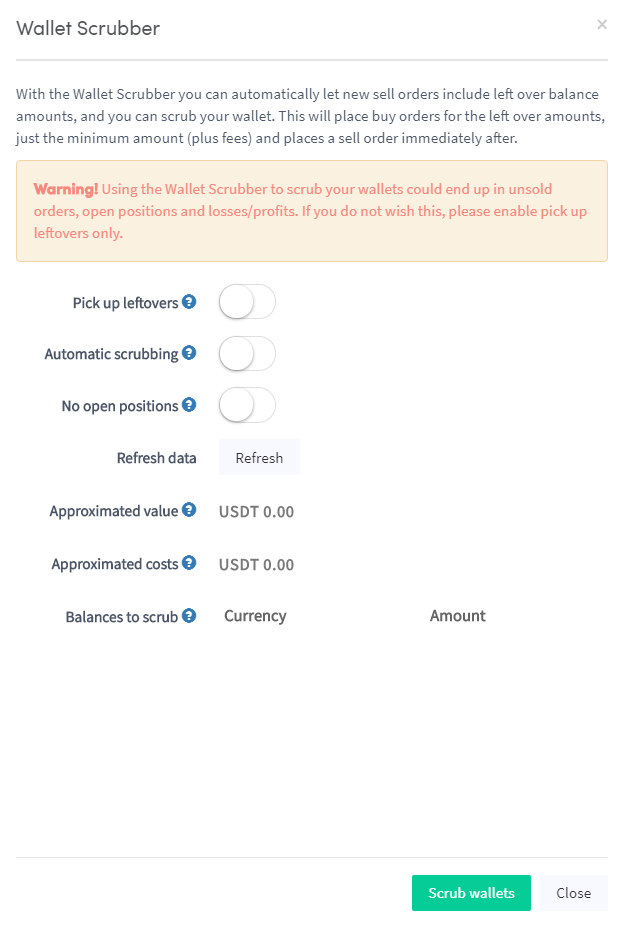
Restjes oppakken Wanneer ingeschakeld, voert de Wallet Scrubber nieuwe verkooporders uit om resterende saldo's mee te nemen, zodat je portemonnee schoon blijft.
Automatisch scrubben Wanneer ingeschakeld, draait de Wallet Scrubber automatisch op elke bot.
Geen open posities Wanneer ingeschakeld, probeert de Wallet Scrubber continu resterende saldo's te verkopen zonder stofposities achter te laten.
tip
Als je Binance gebruikt, is het aanbevolen om stofposities om te zetten in BNB in plaats van de Wallet Scrubber te gebruiken. BNB kan vervolgens worden gebruikt om handelskosten te betalen.