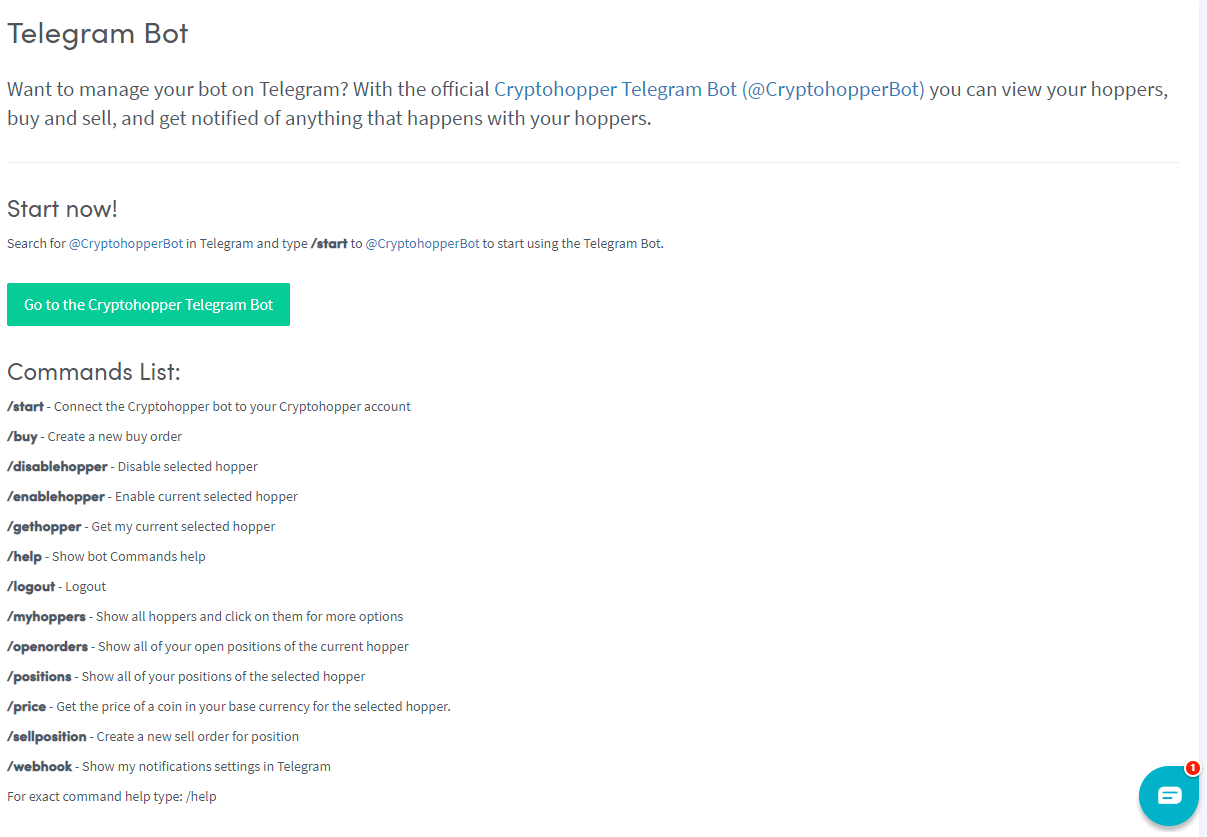
Hoe stel je een Telegram Bot in
Deze handleiding laat je zien hoe je de Telegram Bot instelt voor Cryptohopper.
Vereisten
- Een Cryptohopper-account.
- Een Telegram-account.
Stappen
- Ga naar je Cryptohopper-account en klik op "Marktplaats".
- Klik op "Apps".
- Klik op "Telegram Bot".
- Selecteer wat je wilt verbinden.
- Ga naar je Telegram-account. Wanneer de verbinding werkt, stuurt de bot je een bericht.
- Log in op Cryptohopper via Telegram.
- Voltooi het OAuth-scherm.
- Na het inloggen ontvang je een succesbericht.
- Typ
/helpen de bot zal je door de beschikbare commando's leiden.