Hoe je een signaalgever selecteert die bij jou past
Deze gids laat je zien hoe je een signaalgever kunt evalueren en selecteren die past bij jouw handelsstijl.
Vereisten
- Een Explorer, Adventurer, of Hero abonnement.
Stappen
- Ga naar je Cryptohopper-account en klik op "Marktplaats".
- Klik op "Signalen".
- Kies een signaalgever die je wilt onderzoeken en klik erop.
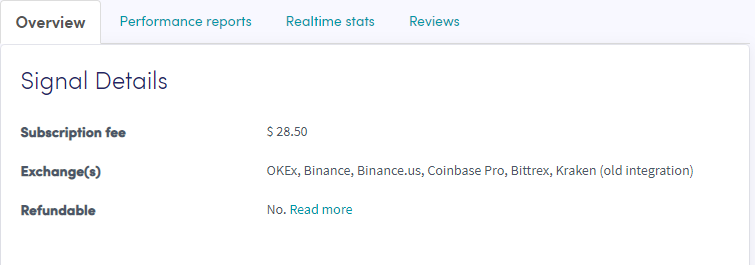
- Klik op "Overzicht" en bekijk de gebruikte beurzen, prestatiegrafiek en gemiddelde dagelijkse winst/verlies.
- Klik op "Prestatierapporten" en controleer welke valuta worden gesignaleerd en welke winsten zijn gemaakt.
- Klik op "Realtime statistieken" en bekijk de handelsgegevens van de afgelopen maand.
- Klik op "Reviews" en zie wat andere handelaren vinden.