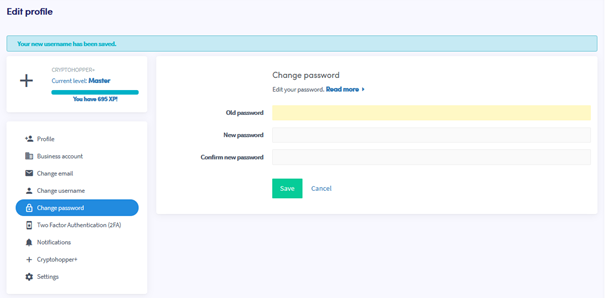
Comment changer ton mot de passe
Ce guide te montre comment changer le mot de passe de ton compte Cryptohopper.
Conditions
- Un compte Cryptohopper.
- Accès à ton mot de passe actuel. Si tu l'as oublié, consulte Comment réinitialiser ton mot de passe.
Étapes
- Connecte-toi à ton compte Cryptohopper.
- Clique sur le bouton de profil dans le coin supérieur droit.
- Clique sur "Mon compte".
- Clique sur "Profil utilisateur".
- Clique sur "Changer le mot de passe".
- Remplis tous les champs requis.
- Clique sur "Enregistrer".
astuce
Si tu ne reçois pas l'email de confirmation, vérifie ton dossier spam.