Como selecionar um sinalizador adequado para você
Este guia mostra como avaliar e selecionar um sinalizador que se adapte ao seu estilo de negociação.
Pré-requisitos
- Uma assinatura Explorer, Adventurer ou Hero.
Etapas
- Acesse sua conta Cryptohopper e clique em "Marketplace".
- Clique em "Sinais".
- Escolha um sinalizador que você deseja investigar e clique nele.
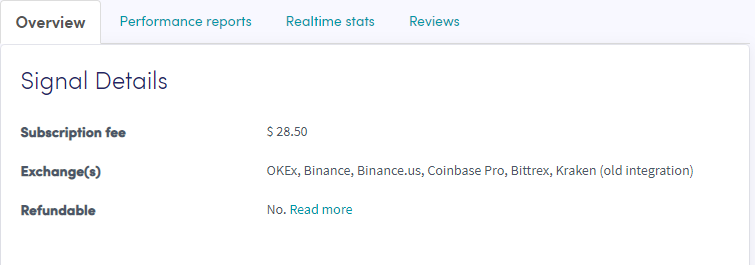
- Clique em "Visão geral" e revise as corretoras utilizadas, o gráfico de desempenho e o lucro/prejuízo médio diário.
- Clique em "Relatórios de desempenho" e verifique quais moedas estão sendo sinalizadas e quais lucros foram obtidos.
- Clique em "Estatísticas em tempo real" e revise os dados de negociação do último mês.
- Clique em "Avaliações" e veja o que outros traders pensam.