Come selezionare un Signaler adatto alle tue esigenze
Questa guida ti mostra come valutare e selezionare un Signaler che si adatta al tuo stile di trading.
Prerequisiti
- Un abbonamento Explorer, Adventurer o Hero subscription.
Passaggi
- Vai al tuo account Cryptohopper e clicca su "Marketplace".
- Clicca su "Segnali".
- Scegli un Signaler che vuoi esaminare e cliccaci sopra.
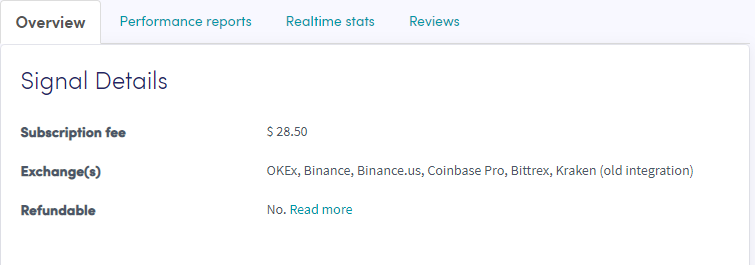
- Clicca su "Panoramica" e controlla gli exchange utilizzati, il grafico delle performance e il profitto/perdita giornaliera media.
- Clicca su "Report delle performance" e verifica quali valute vengono segnalate e quali profitti sono stati realizzati.
- Clicca su "Statistiche in tempo reale" e controlla i dati di trading dell'ultimo mese.
- Clicca su "Recensioni" e guarda cosa pensano gli altri trader.