Comment sélectionner un signaleur qui te convient
Ce guide te montre comment évaluer et sélectionner un signaleur qui correspond à ton style de trading.
Conditions
- Un abonnement Explorer, Adventurer ou Hero subscription.
Étapes
- Va sur ton compte Cryptohopper et clique sur "Marketplace".
- Clique sur "Signaux".
- Choisis un signaleur que tu souhaites examiner et clique dessus.
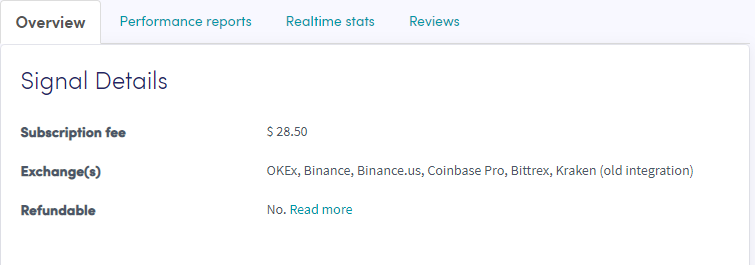
- Clique sur "Aperçu" et consulte les exchanges utilisés, le graphique de performance et le profit/perte quotidien moyen.
- Clique sur "Rapports de performance" et vérifie quelles monnaies sont signalées et quels profits ont été réalisés.
- Clique sur "Statistiques en temps réel" et consulte les données de transaction du mois dernier.
- Clique sur "Avis" et découvre ce que les autres traders en pensent.