How to select a Signaler that's right for you
Dieser Leitfaden zeigt dir, wie du einen Signalgeber bewertest und auswählst, der zu deinem Trading-Stil passt.
Voraussetzungen
- Ein Explorer-, Adventurer- oder Hero-Abonnement.
Schritte
- Gehe zu deinem Cryptohopper-Konto und klicke auf "Marketplace".
- Klicke auf "Signale".
- Wähle einen Signalgeber aus, den du untersuchen möchtest, und klicke darauf.
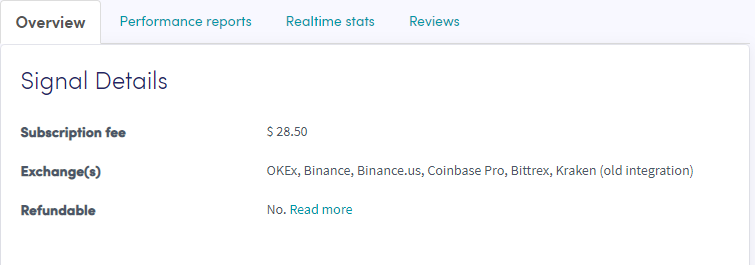
- Klicke auf "Übersicht" und überprüfe die verwendeten Börsen, den Performance-Graphen und den durchschnittlichen täglichen Gewinn/Verlust.
- Klicke auf "Performance-Berichte" und überprüfe, welche Währungen signalisiert werden und welche Gewinne erzielt wurden.
- Klicke auf "Echtzeit-Statistiken" und überprüfe die Trade-Daten des letzten Monats.
- Klicke auf "Bewertungen" und sieh dir an, was andere Trader denken.