How to select a Signaler that’s right for you
This guide shows you how to evaluate and select a Signaler that suits your trading style.
Prerequisites
- An Explorer, Adventurer, or Hero subscription.
Steps
- Go to your Cryptohopper account and click "Marketplace".
- Click "Signals".
- Choose a Signaler you want to investigate and click on it.
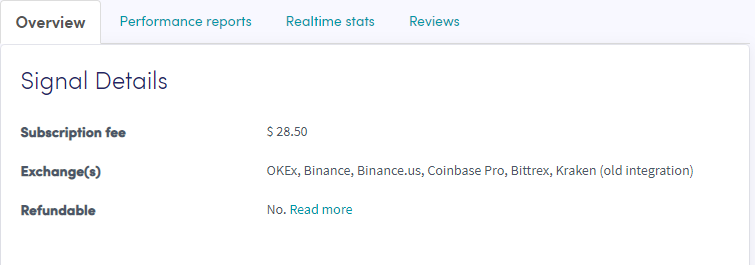
- Click "Overview" and review the exchanges used, performance graph, and average daily profit/loss.
- Click "Performance reports" and check which currencies are being signaled and what profits were made.
- Click "Realtime stats" and review last month's trade data.
- Click "Reviews" and see what other traders think.