How to cancel your recurring payment with PayPal
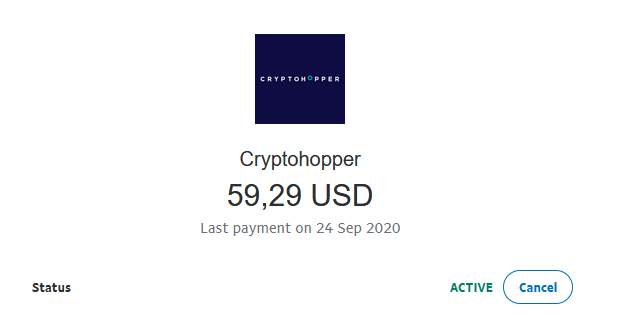
This guide shows you how to cancel your recurring Cryptohopper payment in PayPal.
Prerequisites
- A Cryptohopper account.
- An active recurring payment set up through PayPal.
Steps
- Log in to your PayPal account.
- Click "Activity".
- Find a Cryptohopper payment and click on it.
- Click "Manage Cryptohopper payment".
- Click "Cancel".