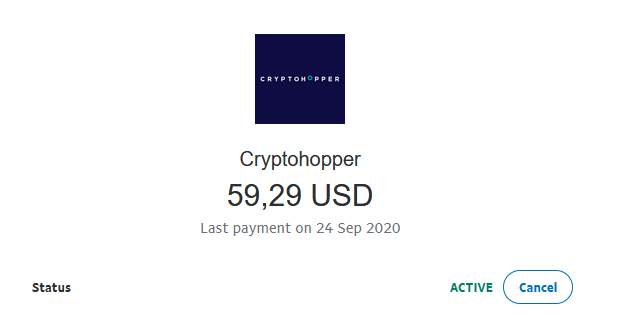
Wie du deine wiederkehrende Zahlung mit PayPal stornierst
Diese Anleitung zeigt dir, wie du deine wiederkehrende Cryptohopper-Zahlung in PayPal stornierst.
Voraussetzungen
- Ein Cryptohopper-Konto.
- Eine aktive wiederkehrende Zahlung, die über PayPal eingerichtet wurde.
Schritte
- Melde dich in deinem PayPal-Konto an.
- Klicke auf "Aktivitäten".
- Finde eine Cryptohopper-Zahlung und klicke darauf.
- Klicke auf "Cryptohopper-Zahlung verwalten".
- Klicke auf "Abbrechen".