Comment annuler ton paiement récurrent avec PayPal
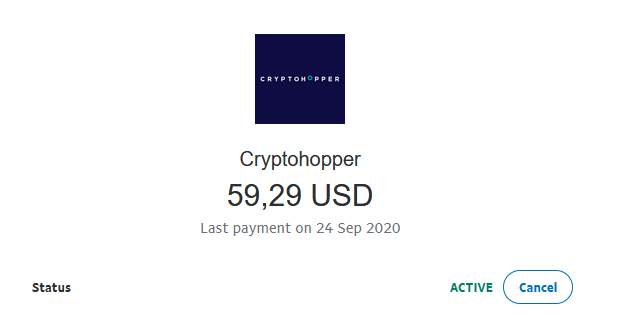
Ce guide te montre comment annuler ton paiement récurrent Cryptohopper dans PayPal.
Conditions
- Un compte Cryptohopper.
- Un paiement récurrent actif configuré via PayPal.
Étapes
- Connecte-toi à ton compte PayPal.
- Clique sur "Activité".
- Trouve un paiement Cryptohopper et clique dessus.
- Clique sur "Gérer le paiement Cryptohopper".
- Clique sur "Annuler".