Como cancelar seu pagamento recorrente com o PayPal
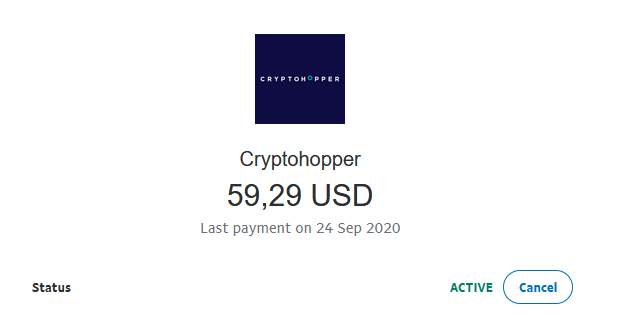
Este guia mostra como cancelar seu pagamento recorrente do Cryptohopper no PayPal.
Pré-requisitos
- Uma conta Cryptohopper.
- Um pagamento recorrente ativo configurado através do PayPal.
Etapas
- Faça login na sua conta PayPal.
- Clique em "Atividade".
- Encontre um pagamento do Cryptohopper e clique nele.
- Clique em "Gerenciar pagamento do Cryptohopper".
- Clique em "Cancelar".