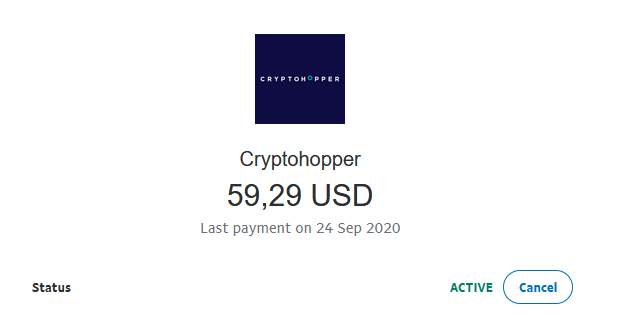
Hoe je jouw terugkerende betaling met PayPal annuleert
Deze handleiding laat je zien hoe je jouw terugkerende Cryptohopper-betaling in PayPal annuleert.
Vereisten
- Een Cryptohopper-account.
- Een actieve terugkerende betaling die is ingesteld via PayPal.
Stappen
- Log in op je PayPal-account.
- Klik op "Activiteit".
- Zoek een Cryptohopper-betaling en klik erop.
- Klik op "Cryptohopper-betaling beheren".
- Klik op "Annuleren".