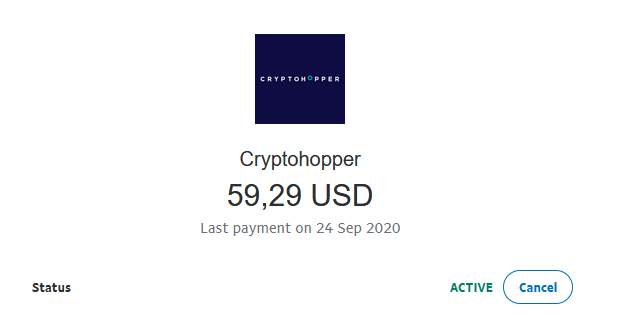
Come annullare il tuo pagamento ricorrente con PayPal
Questa guida ti mostra come annullare il tuo pagamento ricorrente Cryptohopper in PayPal.
Prerequisiti
- Un account Cryptohopper.
- Un pagamento ricorrente attivo configurato tramite PayPal.
Passaggi
- Accedi al tuo account PayPal.
- Clicca su "Attività".
- Trova un pagamento Cryptohopper e cliccaci sopra.
- Clicca su "Gestisci pagamento Cryptohopper".
- Clicca su "Annulla".