Como criar um cartão-presente
Este guia mostra como criar e ativar um cartão-presente do Cryptohopper.
Pré-requisitos
- Uma conta Cryptohopper.
Etapas
Criar o cartão-presente
- Faça login na sua conta Cryptohopper.
- Clique em "Marketplace".
- Clique em "Giftcards".
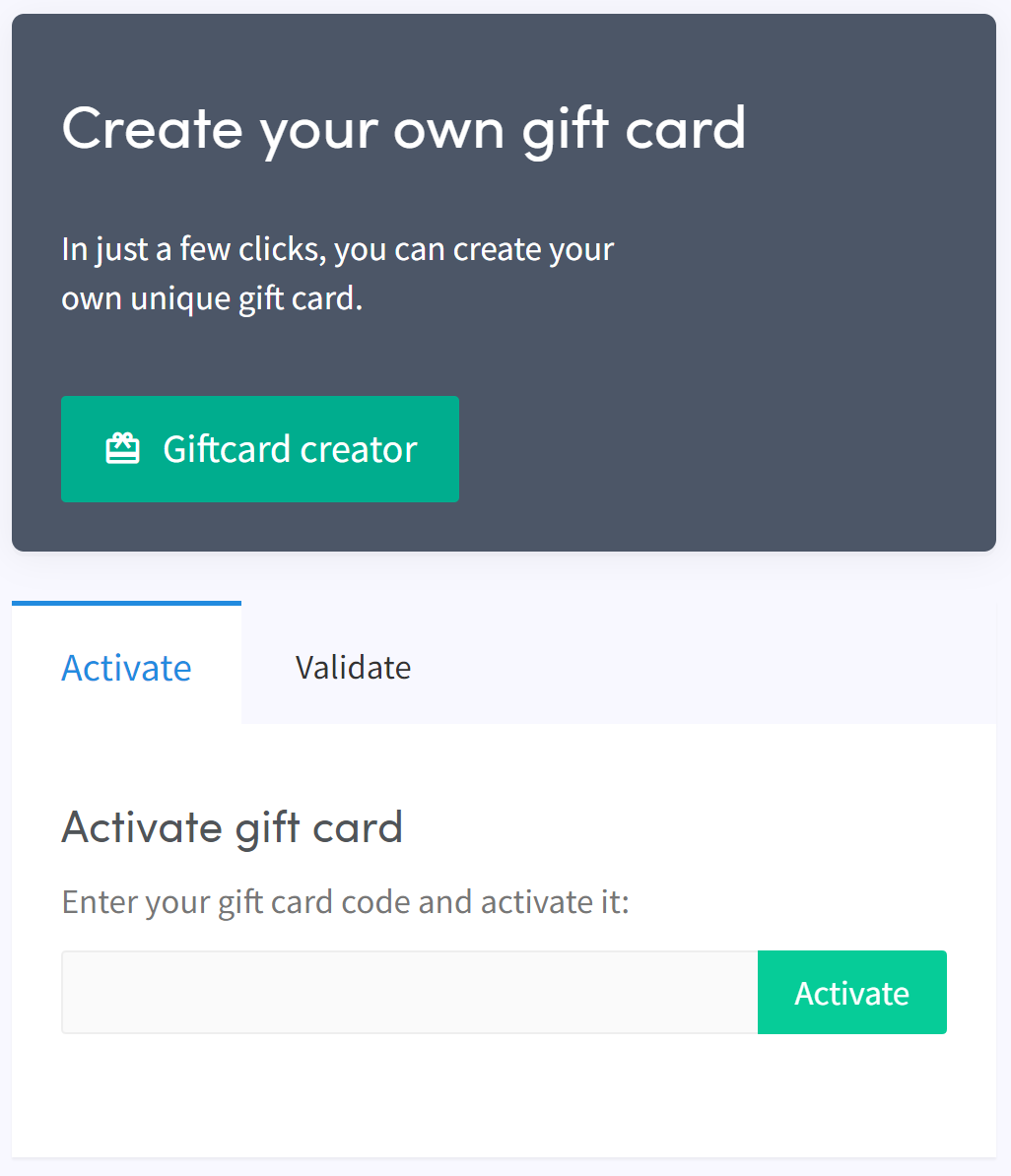
- Clique em "Giftcard creator".
- Escolha uma imagem e clique em "Next".
- Selecione o tipo de cartão-presente e preencha o valor, depois clique em "Next".
- Preencha um nome e clique em "Create gift card".
- Selecione seu método de pagamento preferido, marque a caixa e clique em "Pay now". Você será redirecionado para seu provedor de pagamento.
- Complete o pagamento.
Ativar o cartão-presente
- Clique em "Subscriptions".
- Clique em "Giftcards".
- Digite o código recebido por e-mail e clique em "Activate".
aviso
Após a compra, o cartão-presente pode ser usado por você ou dado a outra pessoa. O código deve ser ativado antes de poder ser usado.