How to create a gift card
This guide shows you how to create and activate a Cryptohopper gift card.
Prerequisites
Steps
Create the gift card
- Log in to your Cryptohopper account.
- Click "Marketplace".
- Click "Giftcards".
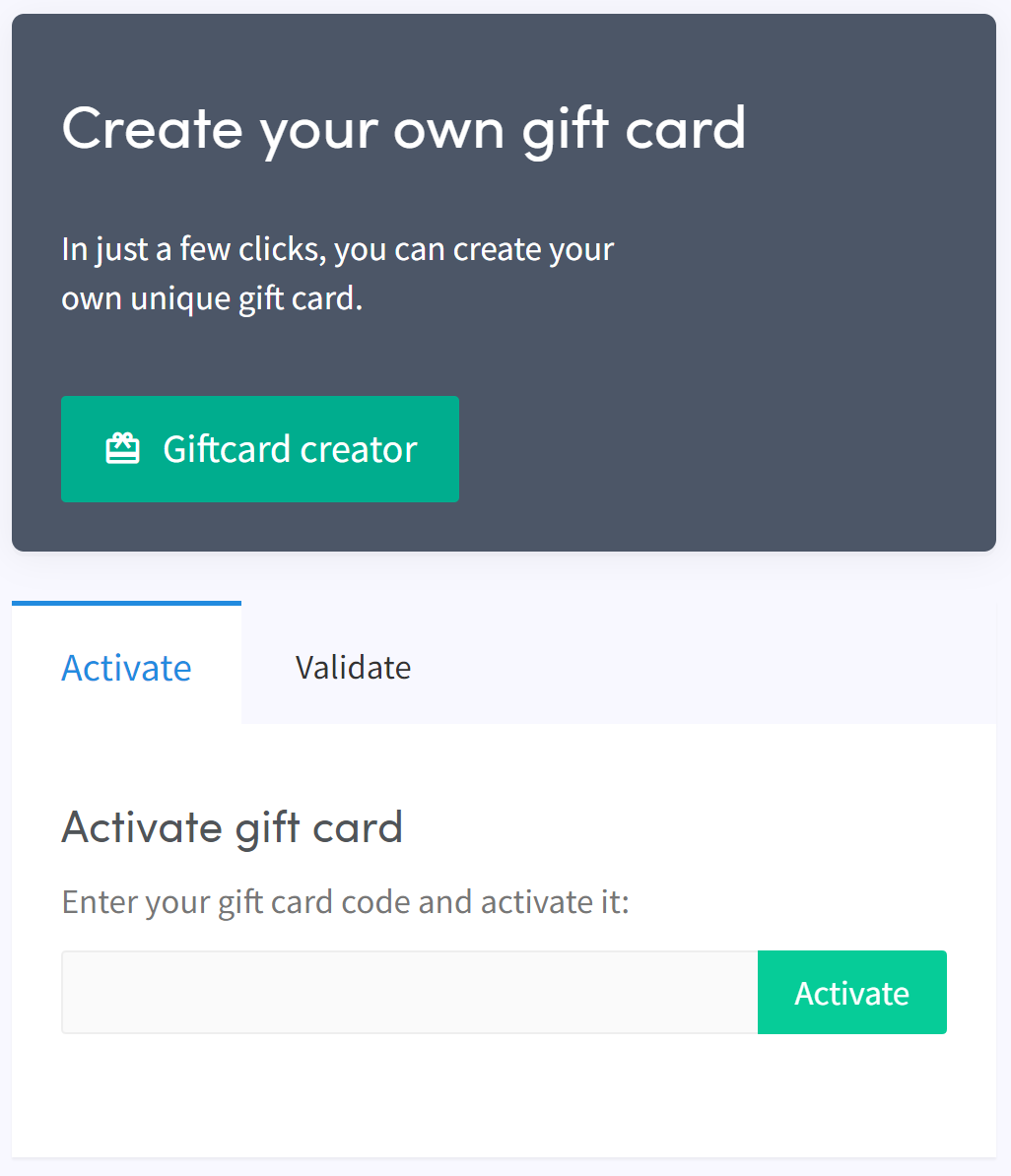
- Click "Giftcard creator".
- Choose an image and click "Next".
- Select the gift card type and fill in the value, then click "Next".
- Fill in a name and click "Create gift card".
- Select your preferred payment method, check the box, and click "Pay now". You will be redirected to your payment provider.
- Complete the payment.
Activate the gift card
- Click "Subscriptions".
- Click "Giftcards".
- Enter the code received by email and click "Activate".
경고
After purchasing, the gift card can be used by you or given to someone else. The code must be activated before it can be used.