Come creare una gift card
Questa guida ti mostra come creare e attivare una gift card di Cryptohopper.
Prerequisiti
Passaggi
Creare la gift card
- Accedi al tuo account Cryptohopper.
- Clicca su "Marketplace".
- Clicca su "Giftcards".
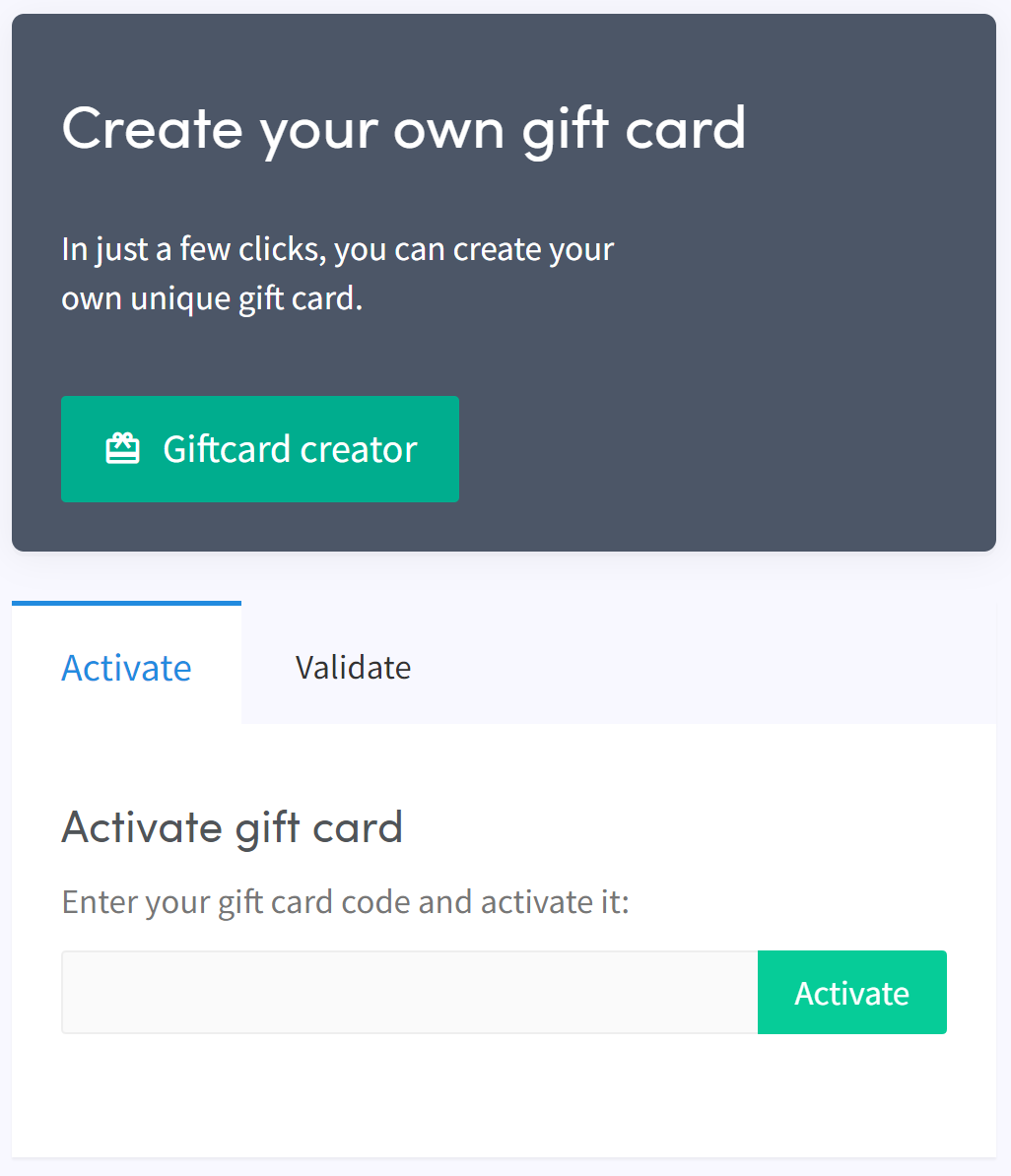
- Clicca su "Giftcard creator".
- Scegli un'immagine e clicca su "Next".
- Seleziona il tipo di gift card e inserisci il valore, poi clicca su "Next".
- Inserisci un nome e clicca su "Create gift card".
- Seleziona il tuo metodo di pagamento preferito, spunta la casella e clicca su "Pay now". Verrai reindirizzato al tuo provider di pagamento.
- Completa il pagamento.
Attivare la gift card
- Clicca su "Subscriptions".
- Clicca su "Giftcards".
- Inserisci il codice ricevuto via email e clicca su "Activate".
avviso
Dopo l'acquisto, la gift card può essere utilizzata da te o regalata a qualcun altro. Il codice deve essere attivato prima di poterlo utilizzare.