Jak utworzyć kartę podarunkową
Ten przewodnik pokazuje, jak utworzyć i aktywować kartę podarunkową Cryptohopper.
Wymagania wstępne
Kroki
Utwórz kartę podarunkową
- Zaloguj się do swojego konta Cryptohopper.
- Kliknij "Rynek".
- Kliknij "Karty podarunkowe".
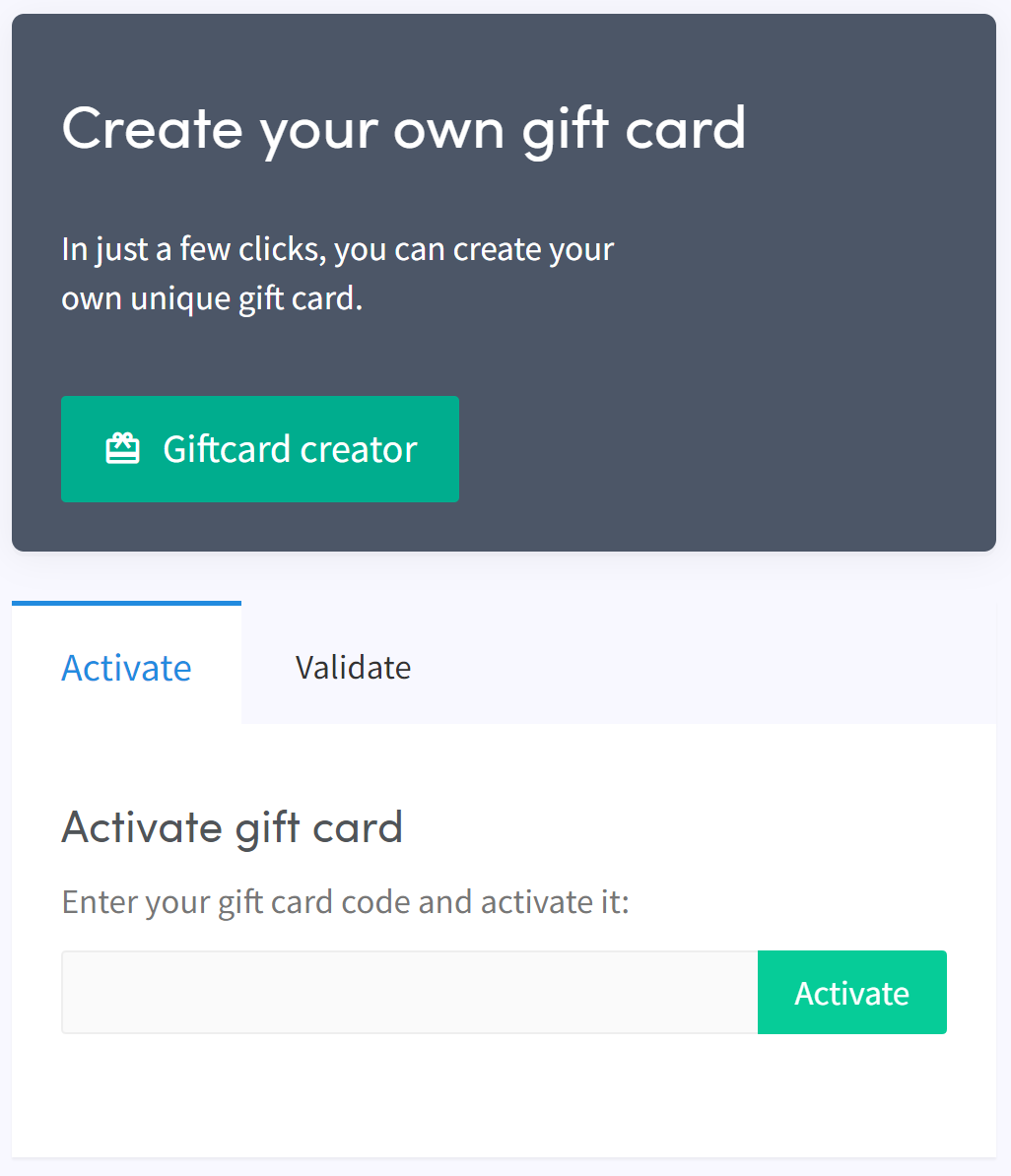
- Kliknij "Kreator kart podarunkowych".
- Wybierz obraz i kliknij "Dalej".
- Wybierz typ karty podarunkowej i wypełnij wartość, następnie kliknij "Dalej".
- Wypełnij nazwę i kliknij "Utwórz kartę podarunkową".
- Wybierz preferowaną metodę płatności, zaznacz pole i kliknij "Zapłać teraz". Zostaniesz przekierowany do dostawcy płatności.
- Dokończ płatność.
Aktywuj kartę podarunkową
- Kliknij "Subskrypcje".
- Kliknij "Karty podarunkowe".
- Wprowadź kod otrzymany e-mailem i kliknij "Aktywuj".
ostrzeżenie
Po zakupie karta podarunkowa może być używana przez ciebie lub przekazana komuś innemu. Kod musi zostać aktywowany przed jego użyciem.