Comment créer une carte cadeau
Ce guide te montre comment créer et activer une carte cadeau Cryptohopper.
Conditions
Étapes
Créer la carte cadeau
- Connecte-toi à ton compte Cryptohopper.
- Clique sur "Marketplace".
- Clique sur "Giftcards".
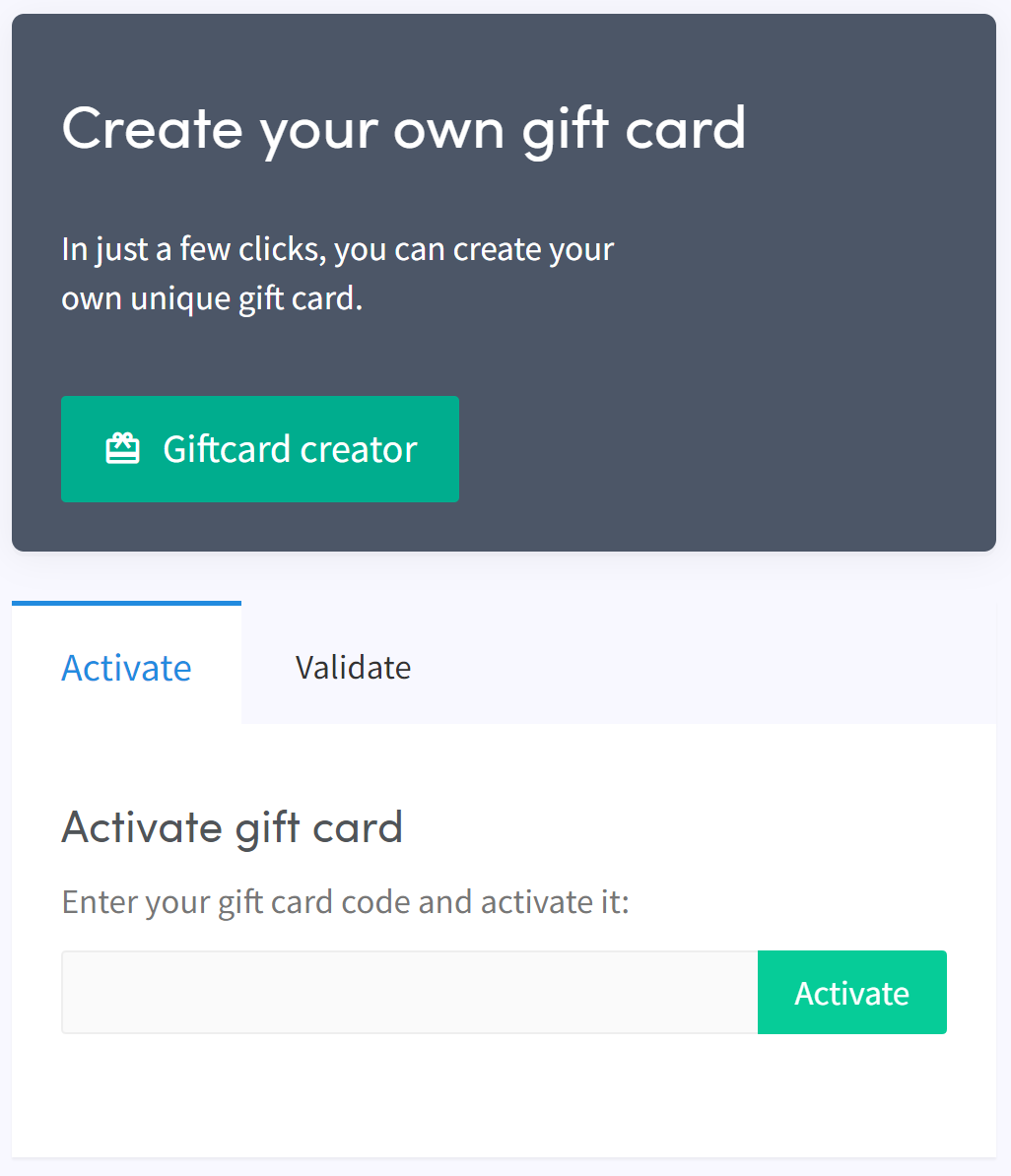
- Clique sur "Giftcard creator".
- Choisis une image et clique sur "Next".
- Sélectionne le type de carte cadeau et remplis la valeur, puis clique sur "Next".
- Remplis un nom et clique sur "Create gift card".
- Sélectionne ta méthode de paiement préférée, coche la case et clique sur "Pay now". Tu seras redirigé vers ton fournisseur de paiement.
- Complète le paiement.
Activer la carte cadeau
- Clique sur "Subscriptions".
- Clique sur "Giftcards".
- Entre le code reçu par email et clique sur "Activate".
avertissement
Après l'achat, la carte cadeau peut être utilisée par toi ou offerte à quelqu'un d'autre. Le code doit être activé avant de pouvoir être utilisé.