Jak płacić za pomocą Kredytów
Ten przewodnik pokazuje, jak zapłacić za subskrypcję Cryptohopper używając Kredytów.
Wymagania wstępne
- Konto Cryptohopper.
- Gotowość do zakupu subskrypcji za pomocą Kredytów Cryptohopper.
- Uwaga: kredyty są bezzwrotne.
Kroki
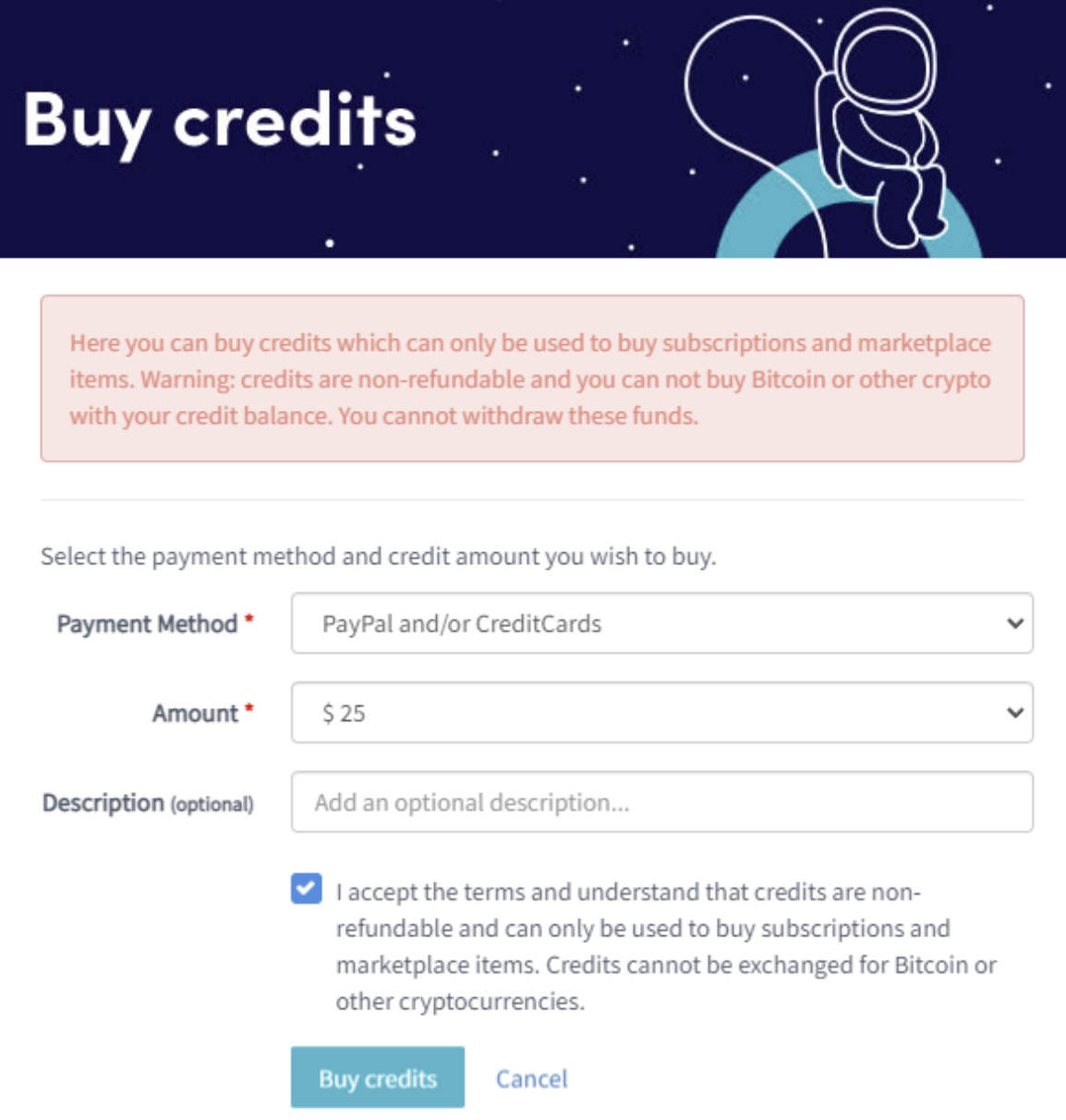
Zaloguj się do swojego konta Cryptohopper. 2. Kliknij "Subscriptions". 3. Sprawdź swoje saldo kredytów w prawym górnym rogu strony. 4. Jeśli nie masz kredytów lub masz ich za mało, kliknij "Buy". 5. Wypełnij wymagane pola. 6. Przeczytaj zastrzeżenie i zaakceptuj warunki. Uwaga: kredyty są bezzwrotne. 7. Kliknij "Buy credits". Zostaniesz przekierowany do wybranej metody płatności. 8. Dokończ płatność. 9. Kiedy masz wystarczającą ilość kredytów, kliknij "New subscription". 10. Kliknij "Subscribe now" przy subskrypcji, którą chcesz. 11. Wybierz okres płatności, klikając "Pay with balance". 12. Kliknij "Complete your order". 13. Otrzymasz e-mail potwierdzający ze wszystkimi szczegółami.