Wie du mit Credits bezahlst
Diese Anleitung zeigt dir, wie du ein Cryptohopper-Abonnement mit Credits bezahlst.
Voraussetzungen
- Ein Cryptohopper-Konto.
- Bereitschaft, ein Abonnement mit Cryptohopper Credits zu kaufen.
- Hinweis: Credits sind nicht erstattungsfähig.
Schritte
- Melde dich bei deinem Cryptohopper-Konto an.
- Klicke auf "Abonnements".
- Überprüfe dein Credit-Guthaben im oberen rechten Bereich der Seite.
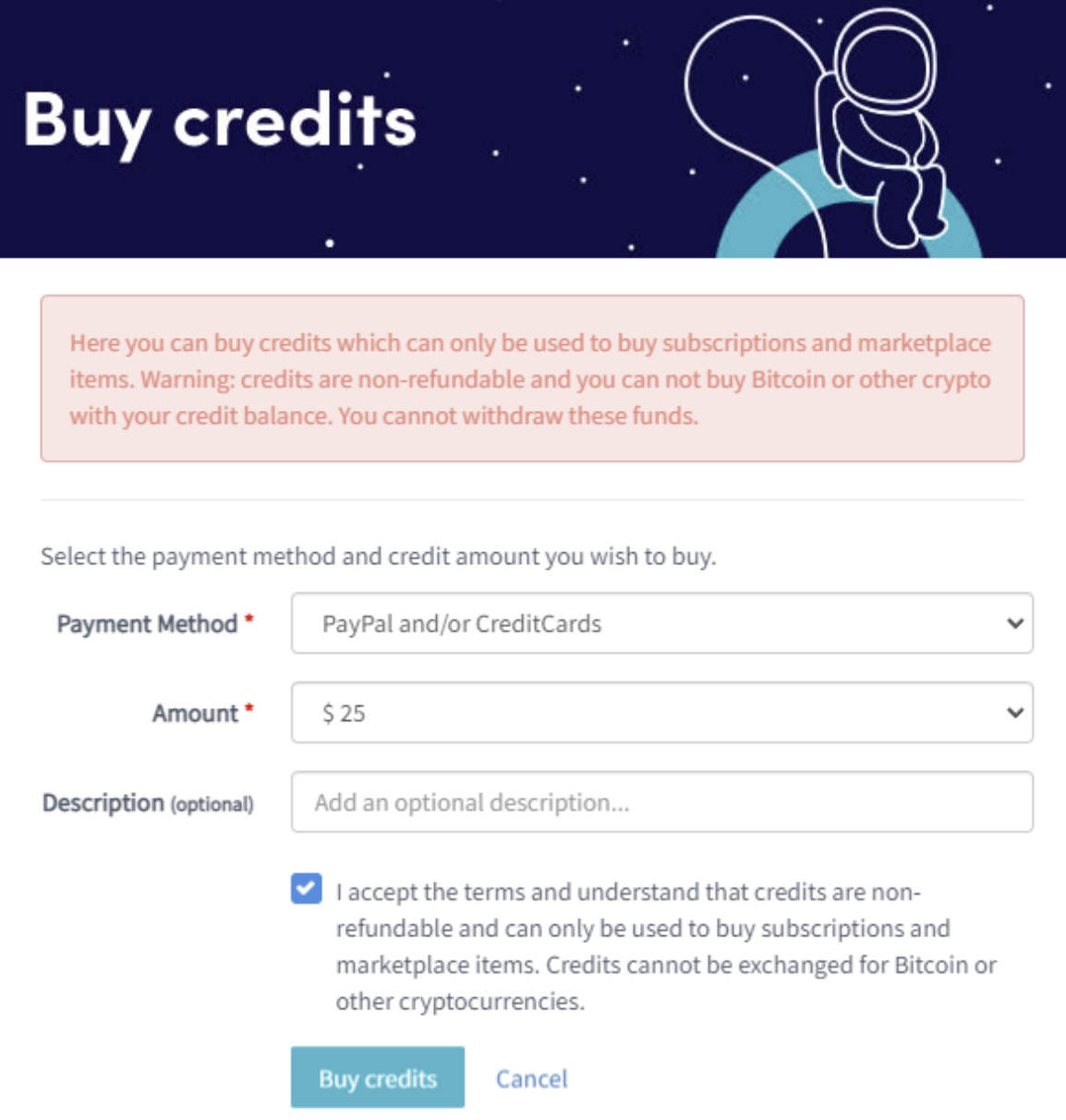
- Falls du keine oder nicht genügend Credits hast, klicke auf "Kaufen".
- Fülle die erforderlichen Felder aus.
- Lies den Haftungsausschluss und akzeptiere die Bedingungen. Hinweis: Credits sind nicht erstattungsfähig.
- Klicke auf "Credits kaufen". Du wirst zu deiner ausgewählten Zahlungsmethode weitergeleitet.
- Schließe die Zahlung ab.
- Sobald du ausreichend Credits hast, klicke auf "Neues Abonnement".
- Klicke bei dem gewünschten Abonnement auf "Jetzt abonnieren".
- Wähle die Zahlungslaufzeit aus, indem du auf "Mit Guthaben bezahlen" klickst.
- Klicke auf "Bestellung abschließen".
- Du erhältst eine Bestätigungs-E-Mail mit allen Details.