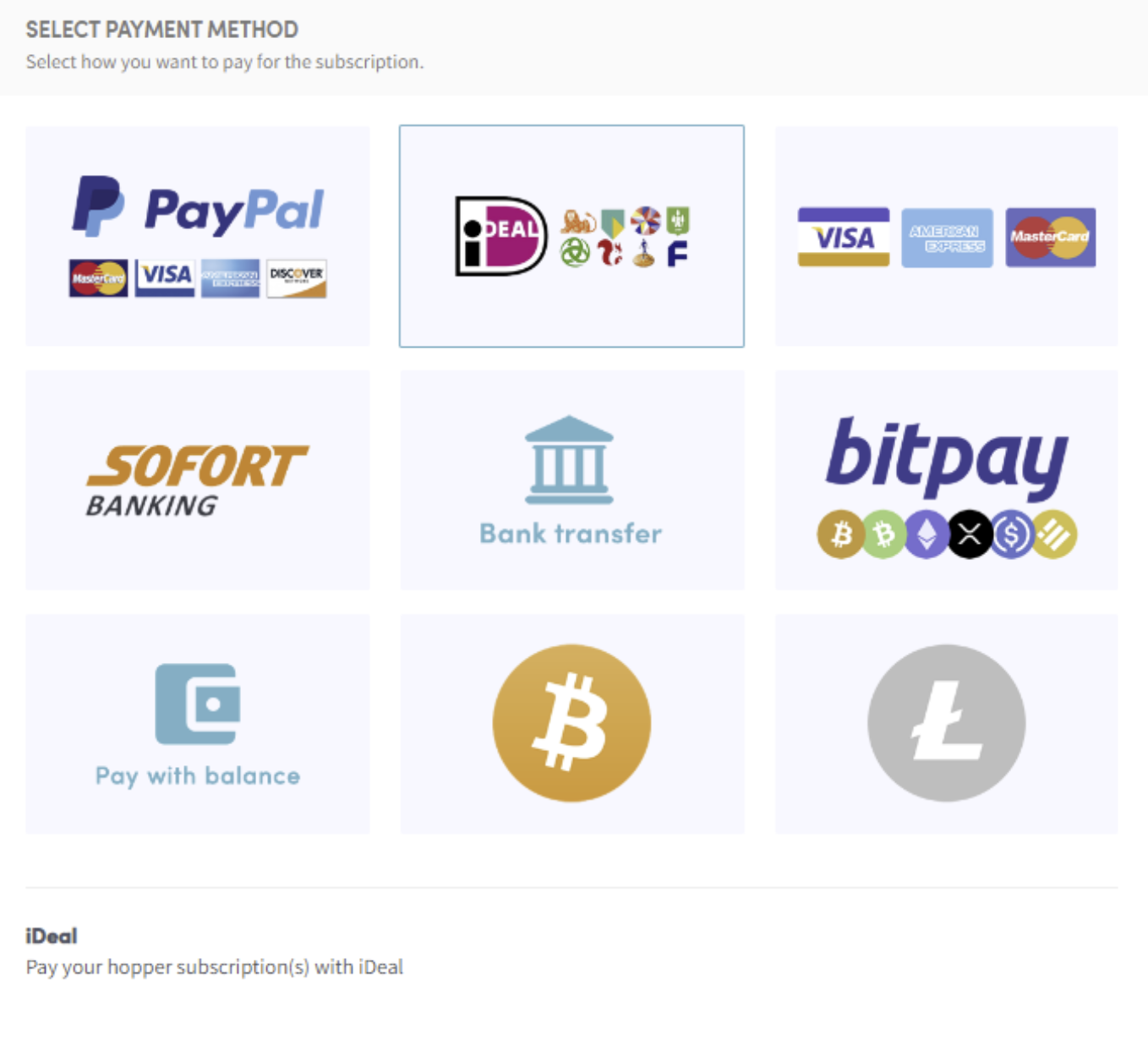
Jak zapłacić za pomocą Ideal
Ten przewodnik pokazuje, jak zapłacić za subskrypcję Cryptohopper za pomocą iDEAL.
Wymagania wstępne
- Konto Cryptohopper.
- Możliwość płatności przez iDEAL. Uwaga: ta opcja nie jest dostępna dla wszystkich klientów.
Kroki
- Zaloguj się do swojego konta Cryptohopper.
- Kliknij "Subscriptions".
- Kliknij "New subscription".
- Kliknij "Subscribe now" przy subskrypcji, którą chcesz kupić.
- Wybierz okres płatności — miesięczny lub roczny.
- Kliknij "iDEAL".
- Kliknij "Complete your order". Zostaniesz przekierowany na stronę iDEAL.
- Wybierz bank, którego chcesz użyć. Zostaniesz przekierowany na stronę swojego banku.
- Dokończ płatność.
- Otrzymasz e-mail potwierdzający ze wszystkimi szczegółami.