Comment payer avec des Credits
Ce guide te montre comment payer un abonnement Cryptohopper en utilisant des Credits.
Conditions
- Un compte Cryptohopper.
- Volonté d'acheter un abonnement en utilisant des Cryptohopper Credits.
- Note : les credits ne sont pas remboursables.
Étapes
- Connecte-toi à ton compte Cryptohopper.
- Clique sur "Subscriptions".
- Vérifie ton solde de credits dans la zone en haut à droite de la page.
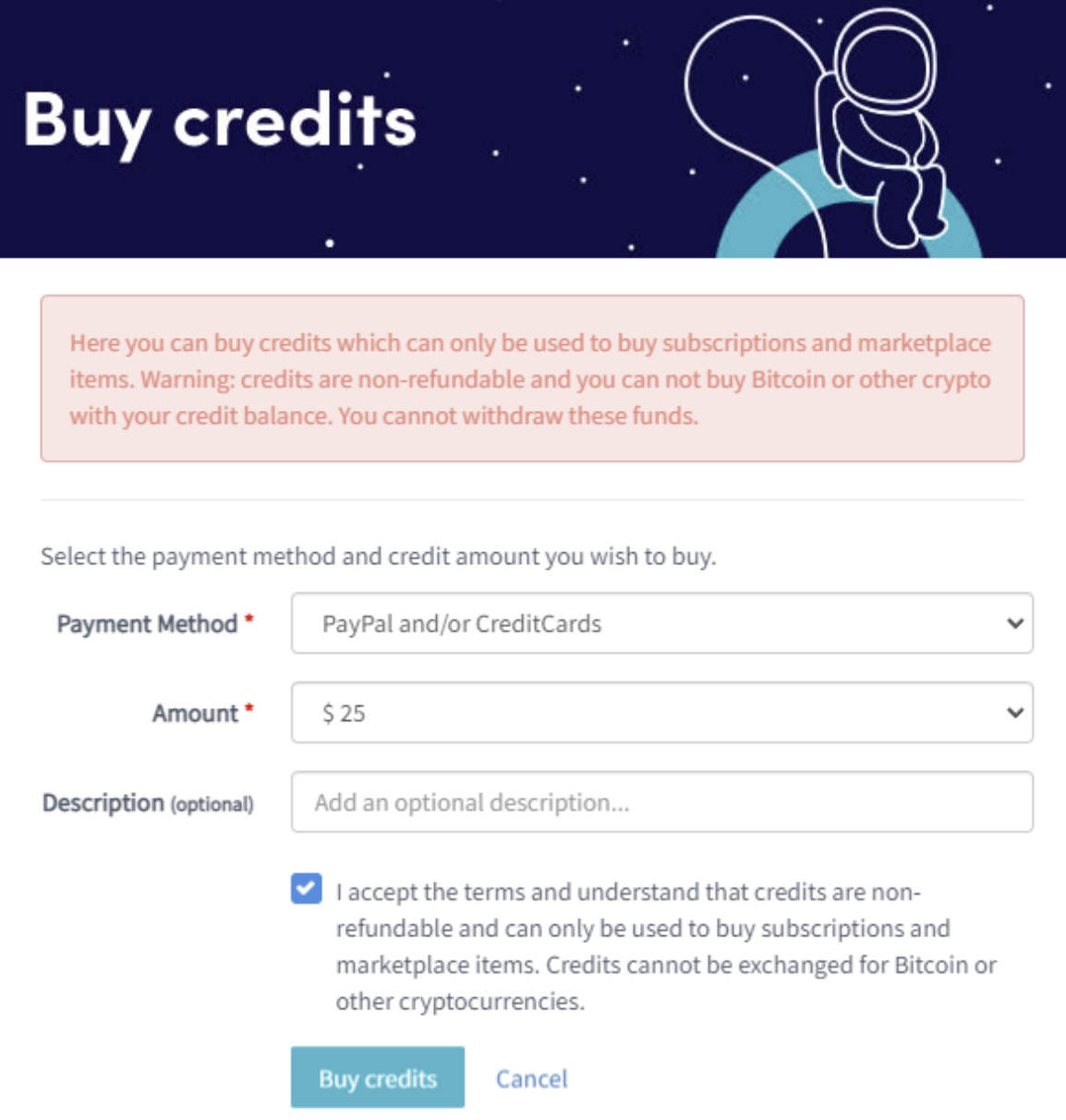
- Si tu n'as pas de credits ou pas assez, clique sur "Buy".
- Remplis les champs requis.
- Lis la clause de non-responsabilité et accepte les conditions. Note : les credits ne sont pas remboursables.
- Clique sur "Buy credits". Tu seras redirigé vers le mode de paiement sélectionné.
- Finalise le paiement.
- Une fois que tu as suffisamment de credits, clique sur "New subscription".
- Clique sur "Subscribe now" sur l'abonnement que tu souhaites.
- Sélectionne la durée de paiement en cliquant sur "Pay with balance".
- Clique sur "Complete your order".
- Tu recevras un e-mail de confirmation avec tous les détails.