How to pay with Credits
This guide shows you how to pay for a Cryptohopper subscription using Credits.
Prerequisites
- A Cryptohopper account.
- Readiness to purchase a subscription using Cryptohopper Credits.
- Note: credits are non-refundable.
Steps
- Log in to your Cryptohopper account.
- Click "Subscriptions".
- Check your credit balance in the top-right area of the page.
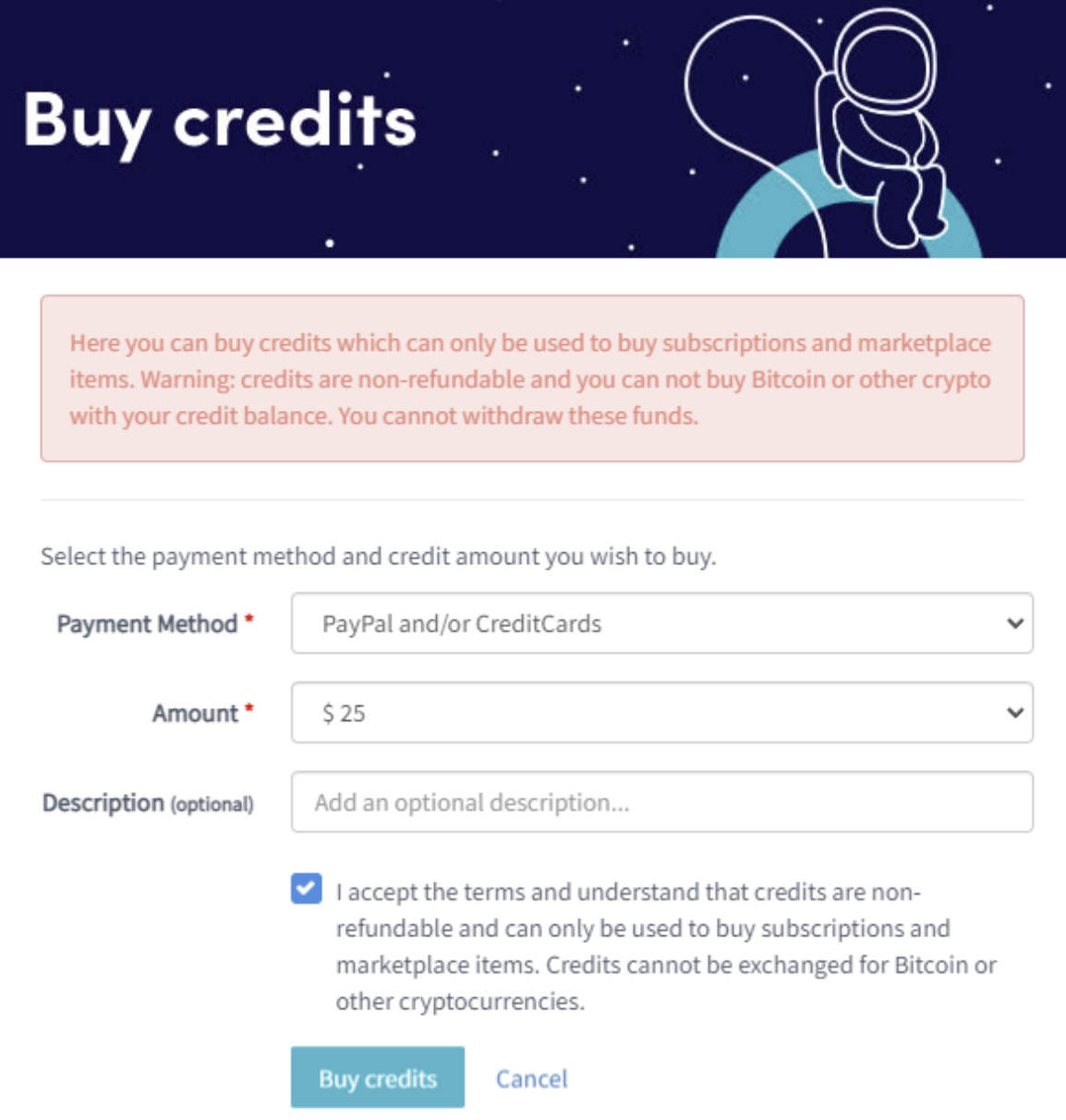
- If you have no credits or not enough, click "Buy".
- Fill in the required fields.
- Read the disclaimer and accept the terms. Note: credits are non-refundable.
- Click "Buy credits". You will be redirected to your selected payment method.
- Complete the payment.
- Once you have sufficient credits, click "New subscription".
- Click "Subscribe now" on the subscription you want.
- Select the payment term by clicking "Pay with balance".
- Click "Complete your order".
- You will receive a confirmation email with all the details.