Jak płacić Bitcoinem (tymczasowo niedostępne)
Ten przewodnik pokazuje, jak opłacić subskrypcję Cryptohopper za pomocą Bitcoina.
ostrzeżenie
Płatności Bitcoinem są tymczasowo niedostępne.
Wymagania wstępne
- Konto Cryptohopper.
- Portfel kryptowalutowy lub giełda z dostępnym Bitcoinem do płatności.
Kroki
- Zaloguj się na swoje konto Cryptohopper.
- Kliknij "Subskrypcje".
- Kliknij "Nowa subskrypcja".
- Kliknij "Subskrybuj teraz" przy subskrypcji, którą chcesz kupić.
- Wybierz okres płatności.
- Kliknij logo Bitcoin.
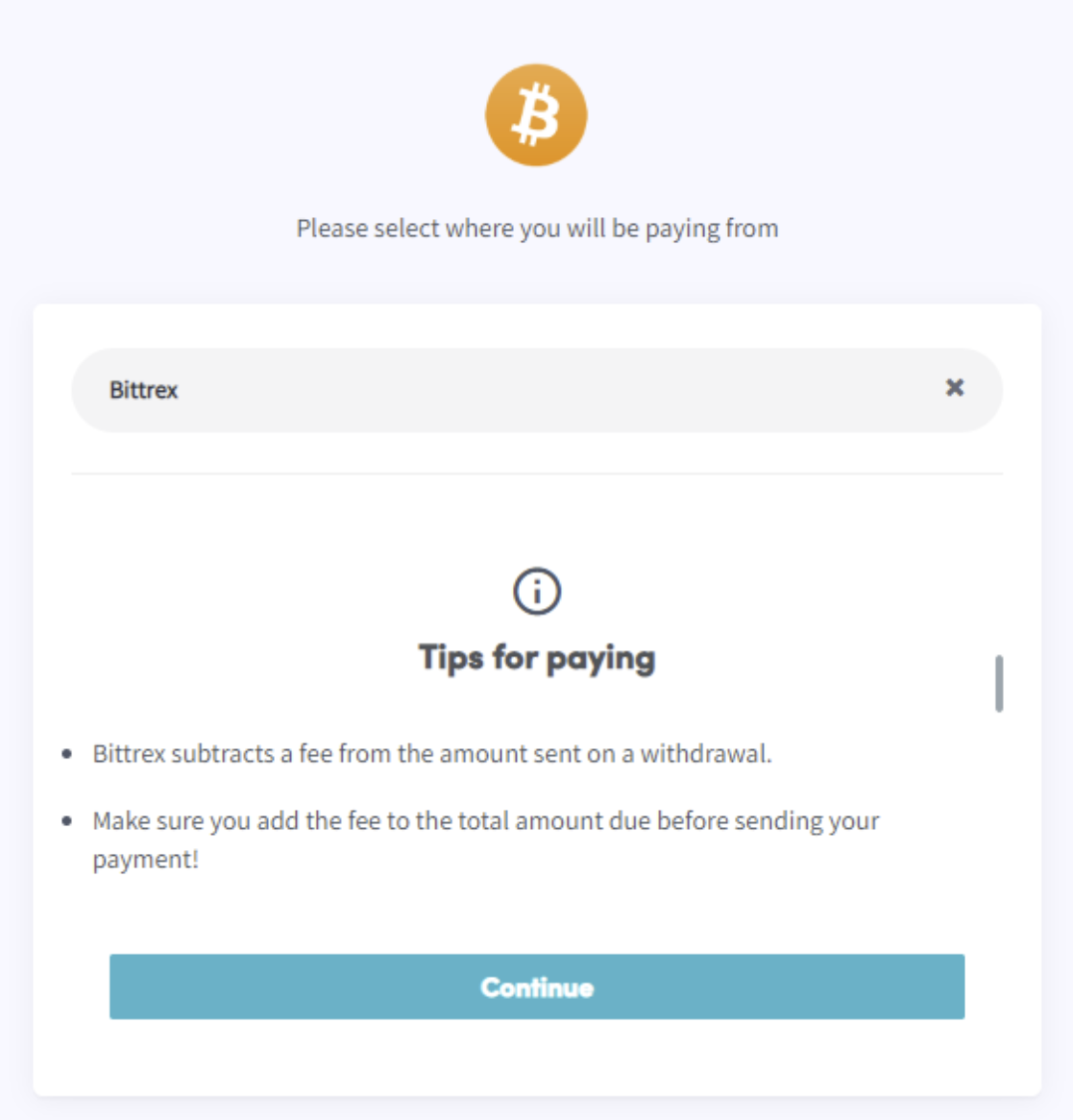
- Kliknij "Dokończ zamówienie". Zostaniesz przekierowany na stronę, gdzie możesz wybrać swój portfel lub giełdę.
- Przeczytaj wskazówki na stronie.
- Zapłać przez swój portfel lub skanując kod QR.
- Dokończ płatność.
- Otrzymasz e-mail z potwierdzeniem ze wszystkimi szczegółami.