Cómo pagar con Créditos
Esta guía te muestra cómo pagar una suscripción de Cryptohopper usando Créditos.
Prerrequisitos
- Una cuenta de Cryptohopper.
- Disposición para comprar una suscripción usando Créditos de Cryptohopper.
- Nota: los créditos no son reembolsables.
Pasos
- Inicia sesión en tu cuenta de Cryptohopper.
- Haz clic en "Suscripciones".
- Revisa tu saldo de créditos en el área superior derecha de la página.
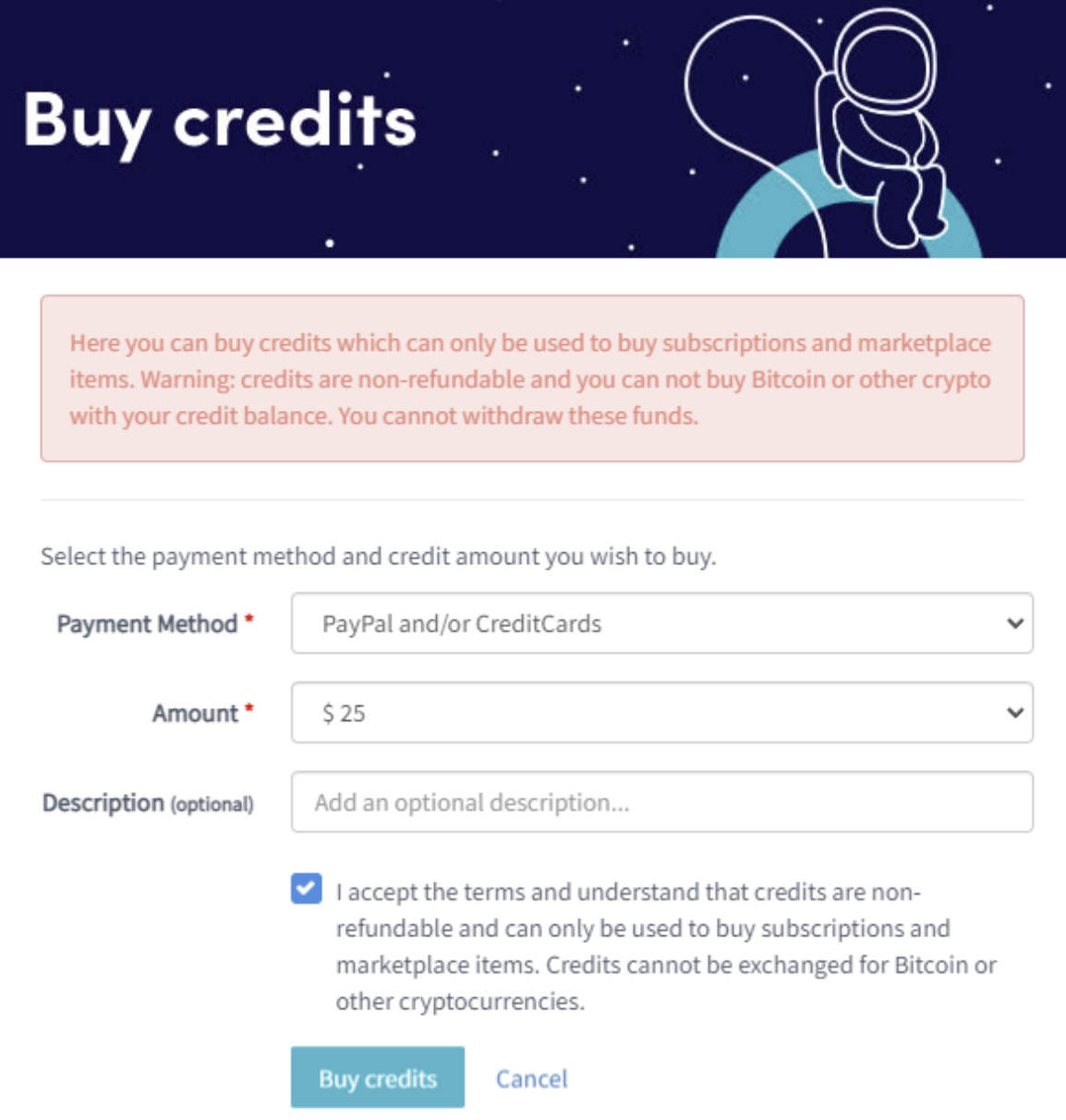
- Si no tienes créditos o no tienes suficientes, haz clic en "Comprar".
- Completa los campos requeridos.
- Lee el descargo de responsabilidad y acepta los términos. Nota: los créditos no son reembolsables.
- Haz clic en "Comprar créditos". Serás redirigido a tu método de pago seleccionado.
- Completa el pago.
- Una vez que tengas créditos suficientes, haz clic en "Nueva suscripción".
- Haz clic en "Suscribirse ahora" en la suscripción que deseas.
- Selecciona el período de pago haciendo clic en "Pagar con saldo".
- Haz clic en "Completar tu orden".
- Recibirás un correo electrónico de confirmación con todos los detalles.